
Batch Images to PDF Converter
Convert multiple images to PDFs in bulk with unlimited batch processing and real-time progress updates.
Item Description
Transform Your Image Handling with Batch Conversion Experience the power of seamless image management with our versatile tool, designed to handle unlimited image conversions efficiently.
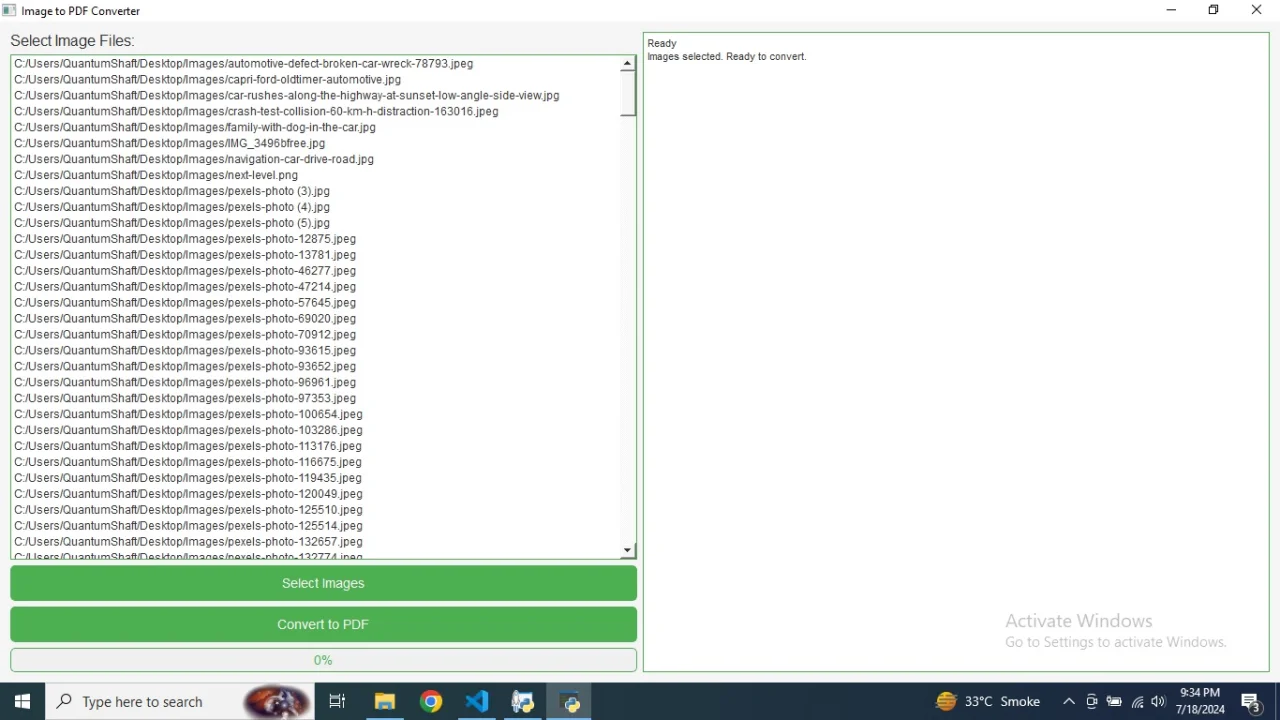
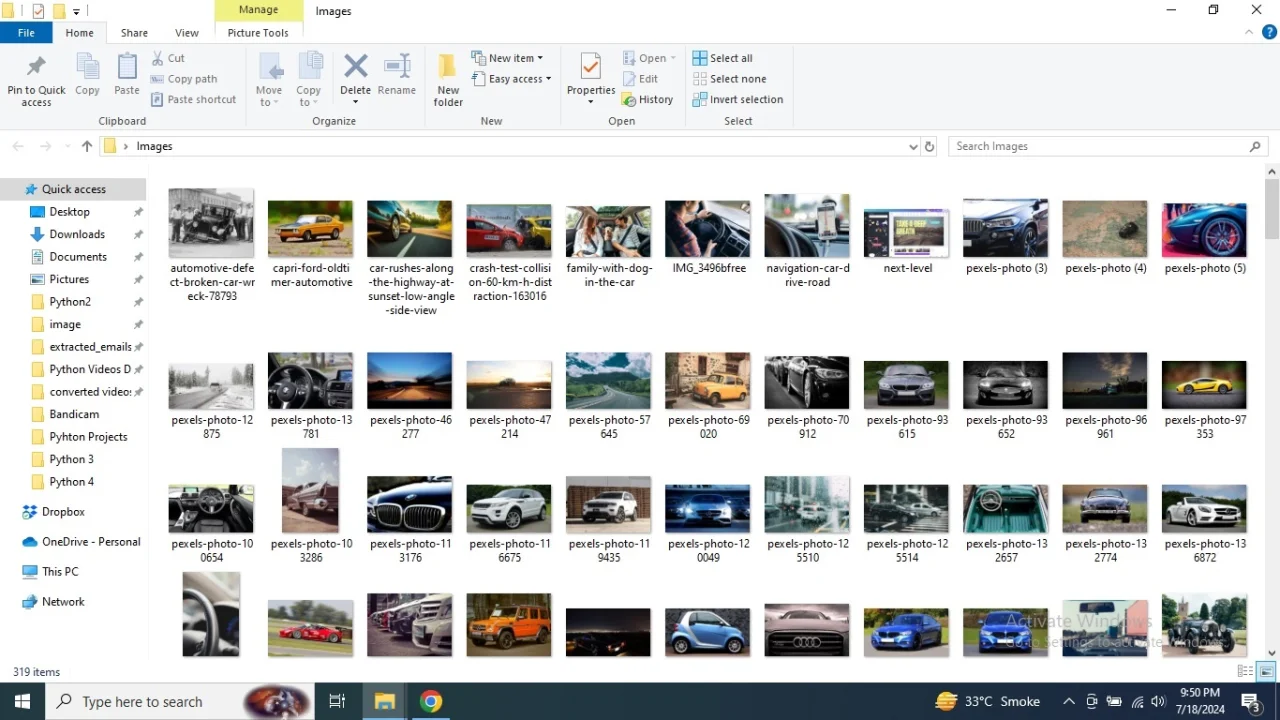
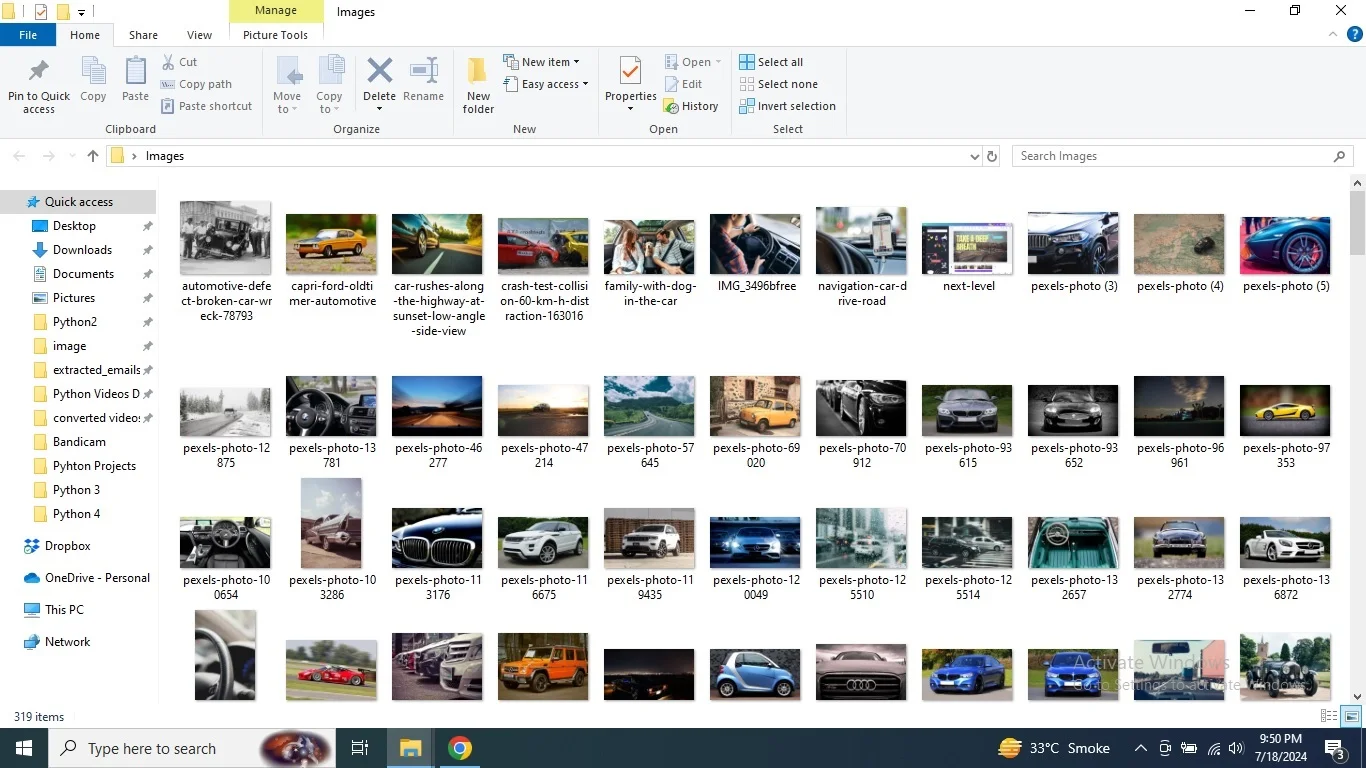
Whether you’re dealing with a single image or thousands, our application supports batch processing to streamline your workflow. The tool allows you to convert a variety of image formats—including JPEG, PNG, GIF, and BMP—into PDF files, providing a simple yet powerful solution for all your conversion needs. Handle Bulk Conversions with Ease Our application is built to manage bulk conversions effortlessly, eliminating the hassle of converting images one by one. With just a few clicks, you can select multiple image files and initiate the conversion process, saving you valuable time and effort.
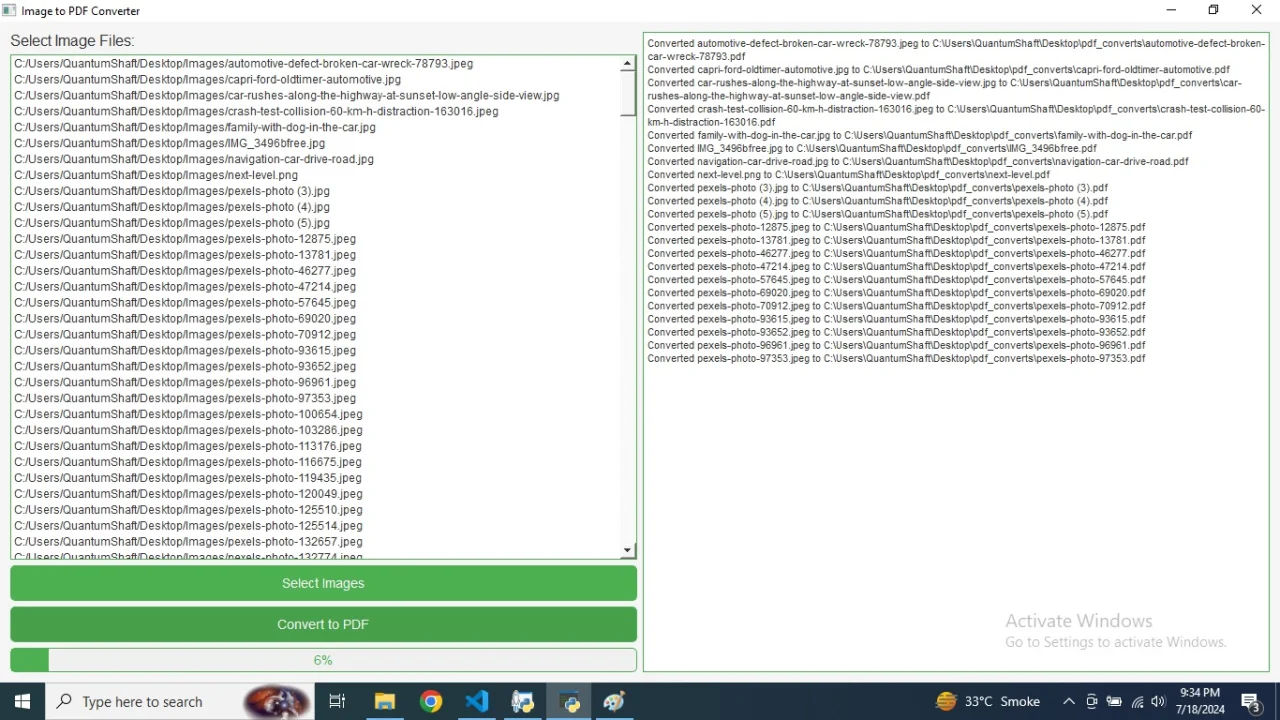
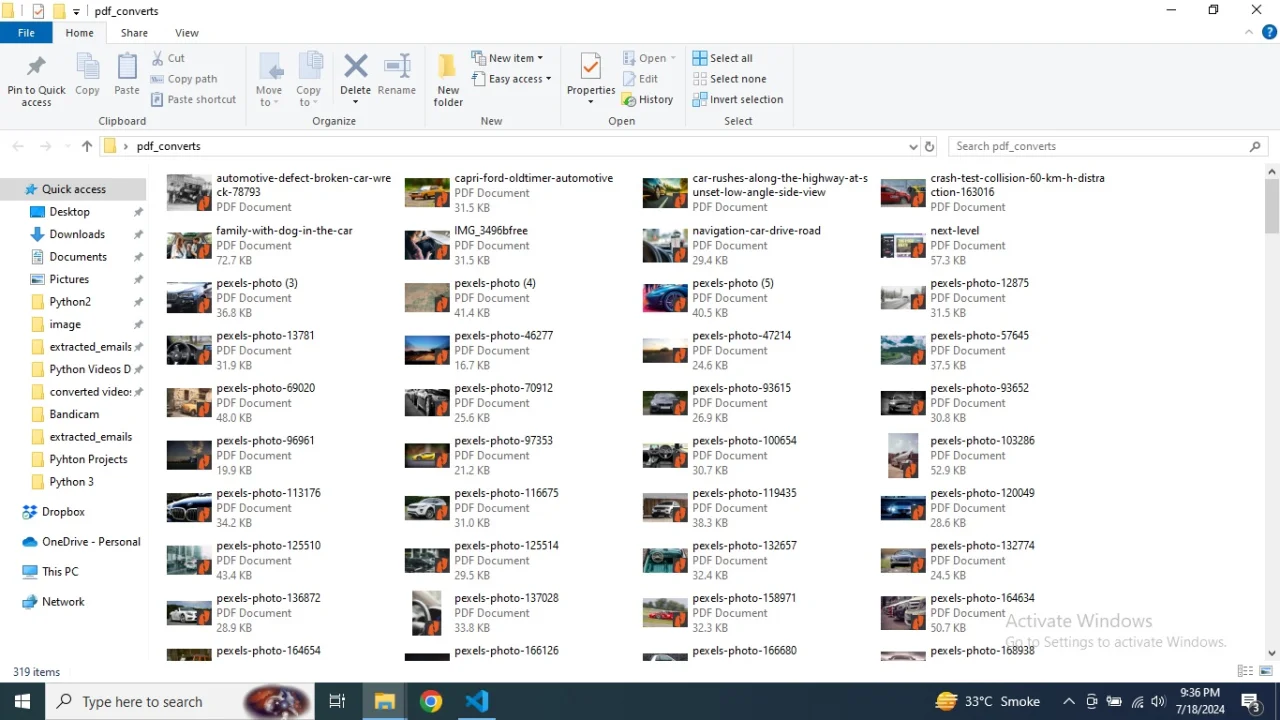
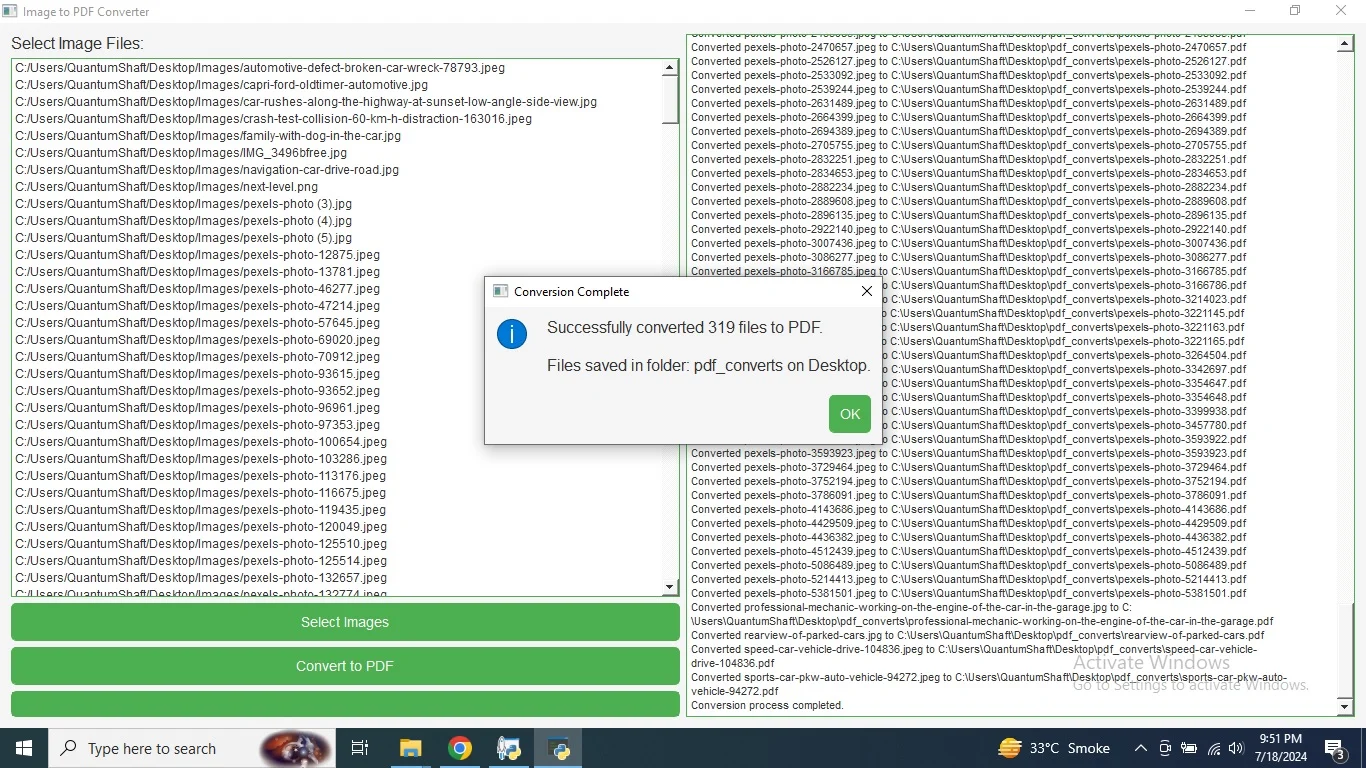
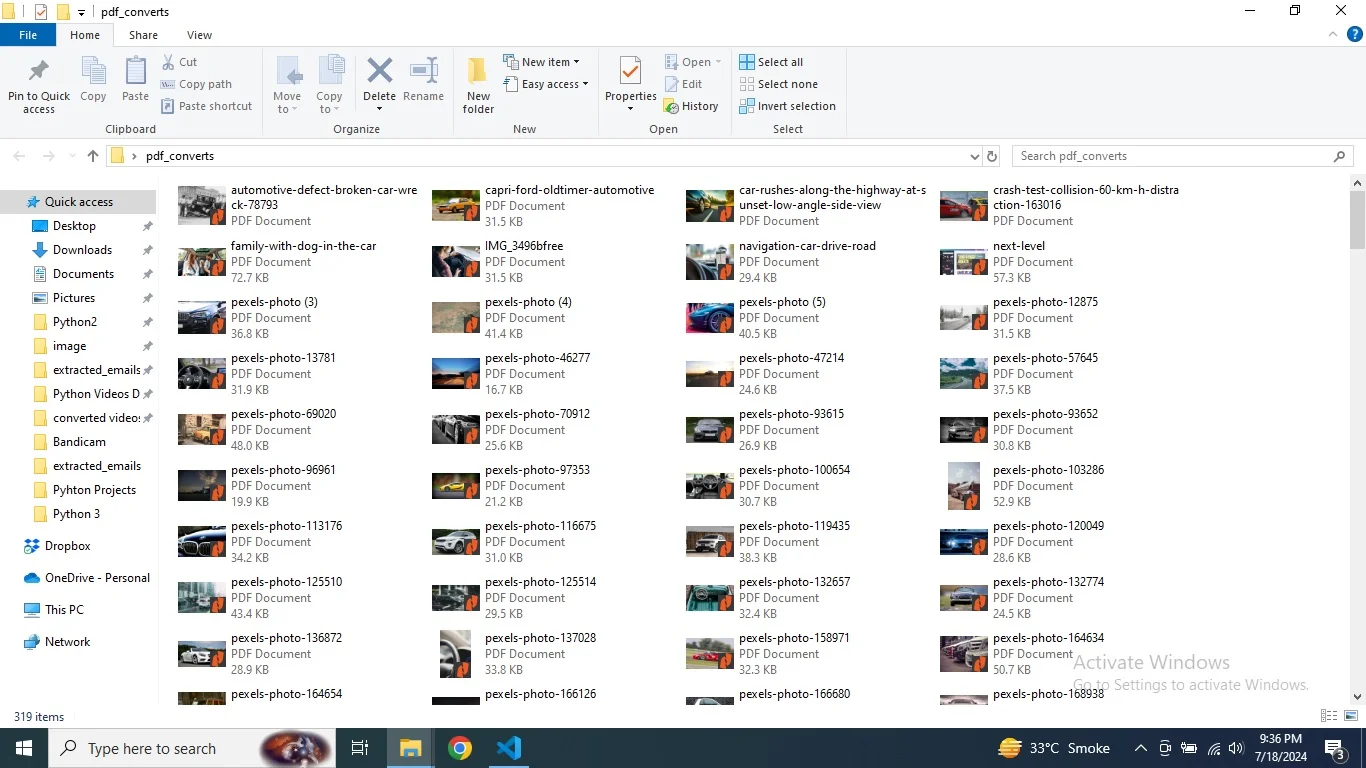
The tool processes all selected images in one go, converting each to a high-quality PDF and organizing them neatly in a designated folder on your desktop. Enjoy the Convenience of Offline Functionality Designed for convenience, our tool operates entirely offline, ensuring that your data remains secure and private.
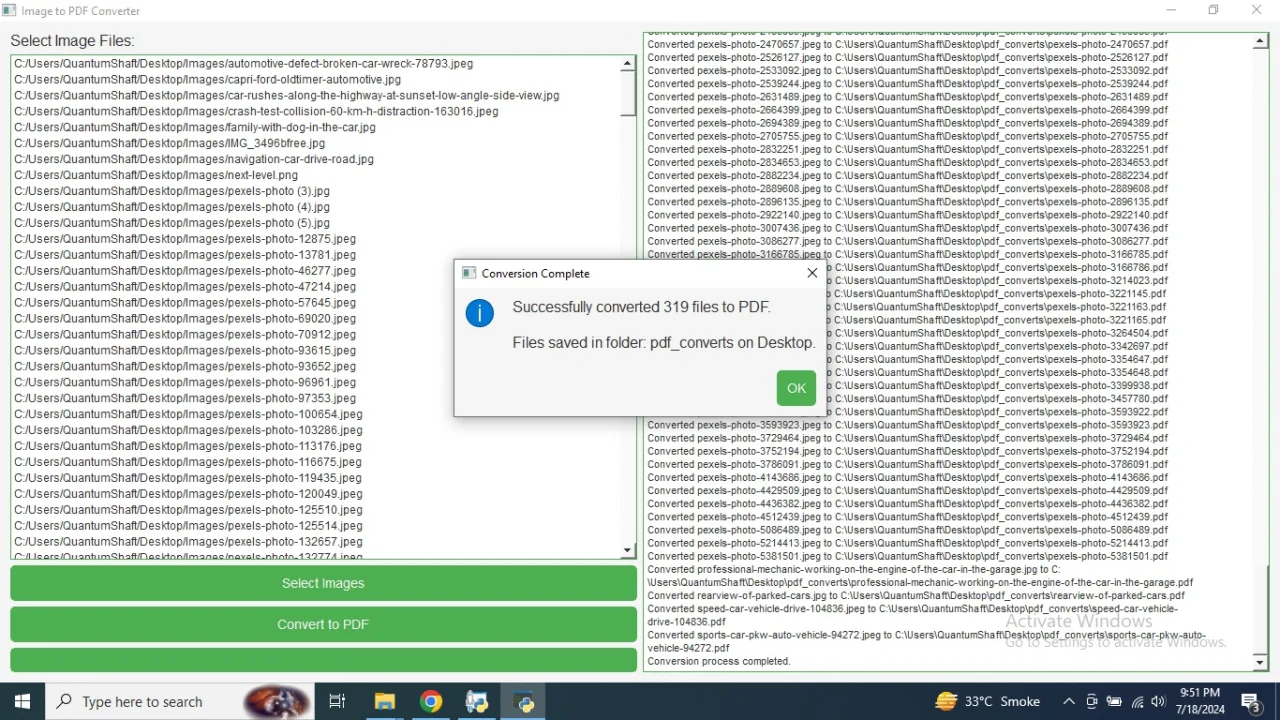
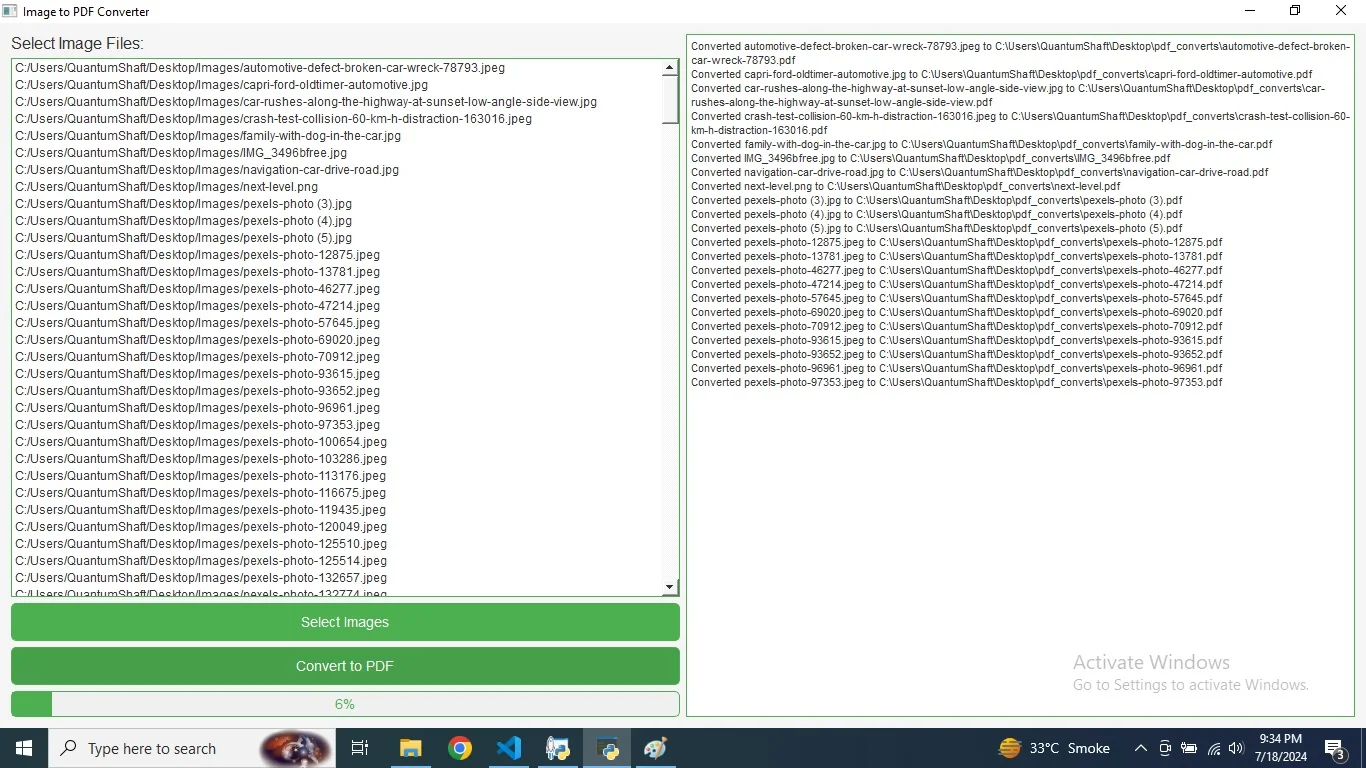
No need for internet access or cloud services; simply select your images and start the conversion process directly on your local machine. This offline capability ensures that you have full control over your files and can work on your projects without relying on external resources. Efficient Progress Tracking and Status Updates Stay informed throughout the conversion process with real-time status updates and progress tracking.
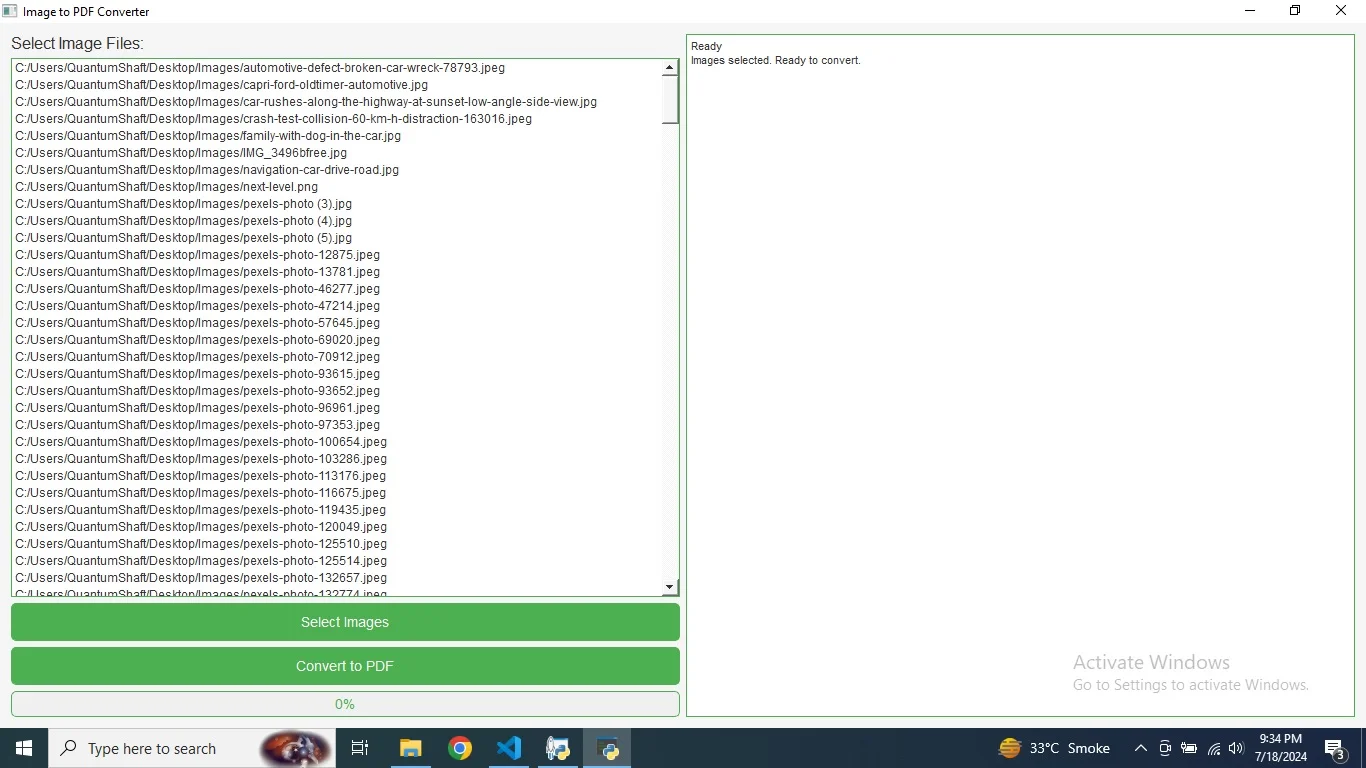
Our application provides clear feedback on the status of each file, displaying information such as "Ready," "Converting," and "Complete" in both the graphical user interface and the terminal. The progress bar visually represents the conversion progress, making it easy to monitor and manage large-scale batch operations. User-Friendly Interface with Light Theme The tool features a user-friendly interface designed with a light color theme for enhanced readability and comfort. With its intuitive layout, you can quickly navigate through image selection, conversion, and status tracking.
The application’s modern and clean design ensures a pleasant user experience, making it accessible for both novice and experienced users. Enjoy a smooth and efficient image-to-PDF conversion process with our sophisticated and easy-to-use application.
Features
- Unlimited Image Handling
Our application supports an unlimited number of image conversions, allowing you to process any volume of images effortlessly. Whether you have a few images or a vast collection, you can handle them all with ease. The tool is designed to scale with your needs, making it ideal for both personal and professional use.
- Batch Conversion Capability
Convert multiple images in one go with our powerful batch conversion feature. Simply select a group of images, and the application will process them all simultaneously, saving you significant time compared to manual conversions. This feature ensures efficiency and convenience, especially when dealing with large quantities of files.
- Bulk Processing Support
Designed to manage bulk image conversions efficiently, our tool handles a high volume of files without compromising on performance. Whether you need to convert hundreds or thousands of images, the application performs the task quickly and accurately, converting each image into a high-quality PDF document.
- Offline Operation
Enjoy the convenience and security of offline functionality. Our application operates entirely on your local machine, requiring no internet connection or cloud services. This ensures that your files remain private and secure while providing a reliable solution for image-to-PDF conversion.
- Real-Time Progress Tracking
Stay informed about the status of your conversions with real-time progress tracking. The application provides detailed updates on each file’s conversion status, including "Ready," "Converting," and "Complete." A visual progress bar also shows the overall conversion progress, allowing you to monitor the process and manage your tasks effectively.
- User-Friendly Light Theme
The application features a clean and modern light color theme that enhances readability and user experience. With an intuitive interface, easy navigation, and visually appealing design, you can manage your image conversions with comfort and efficiency. The user-friendly layout makes it accessible for users of all experience levels.
$ 50
- Verified source code
- Join 35273+ buyers which trust us!
- Download code immediately

100% Guarantee For Item!
Satisfaction guarantee policy.
Satisfaction guarantee policy.
Information
| Category | Scripts & Code / Python |
| First Release | 19 July 2024 |
| Files included | .py |
| File Size | 18 MB |
| Frameworks | Python |
Similar Items





Est
$29