

Neon Tilt
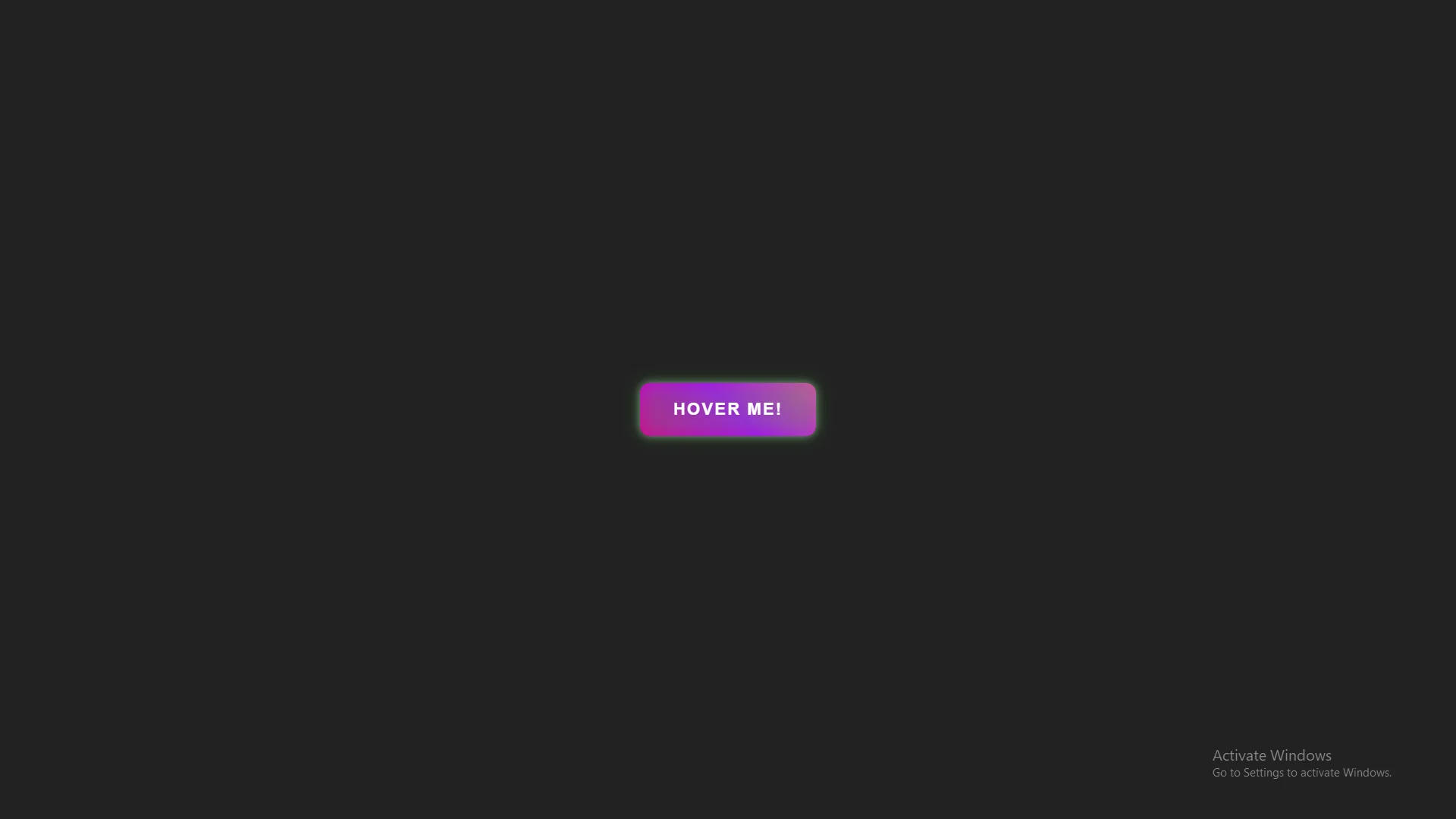
The Neon Tilt effect is a visually striking CSS animation that combines a 3D tilt with a vibrant, animated gradient background and glowing neon borders.
Screenshots
1Item Description
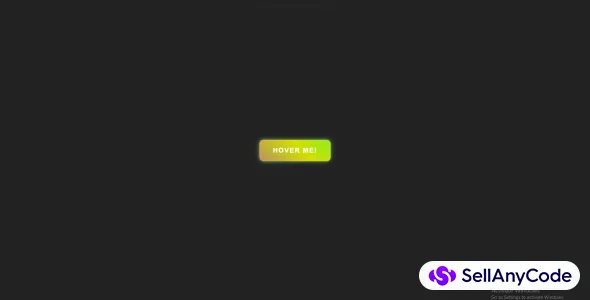
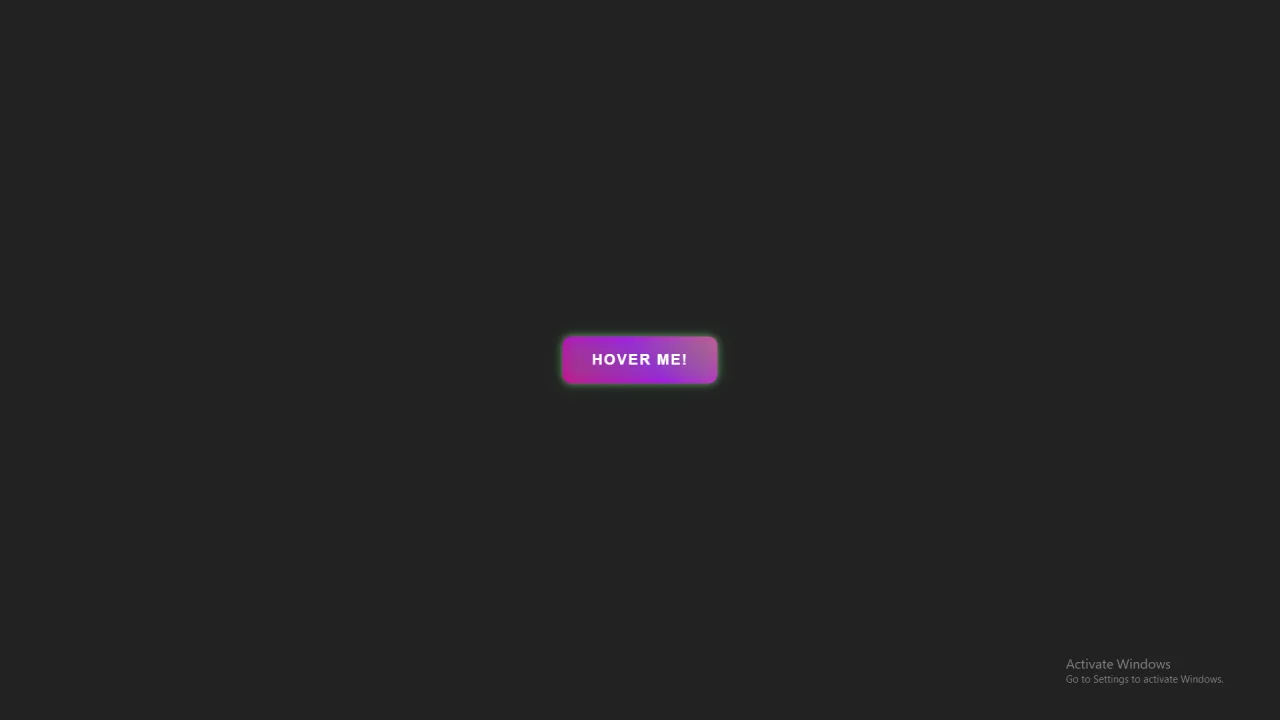
The **Neon Tilt** effect is a visually striking CSS animation that combines a 3D tilt with a vibrant, animated gradient background and glowing neon borders. On hover, the button tilts in response to mouse movement, creating a dynamic 3D effect, while a smooth gradient shifts across the button for a modern, futuristic feel. The hover state intensifies with a neon glow, adding depth and interactivity. Perfect for call-to-action buttons, this effect engages users with smooth transitions and a sleek, eye-catching design.
Features
Features of the Neon Tilt CSS Effect
3D Tilt Effect
- The button tilts in response to mouse movement on hover, creating a dynamic 3D effect using CSS
transformfor realistic depth.
- The button tilts in response to mouse movement on hover, creating a dynamic 3D effect using CSS
Animated Gradient Background
- The background of the button features a continuously shifting gradient, giving it a vibrant and futuristic feel. The animation creates a dynamic visual that keeps the button visually engaging.
Neon Glow on Hover
- A glowing neon border and inner shadow effect appear when the button is hovered over, adding an intense, eye-catching aura.
Inner Glow Effect
- The
::beforepseudo-element creates a soft, blurred neon glow behind the button, enhancing the neon effect and adding more depth.
- The
Active State Feedback
- When the button is clicked (active state), the glow intensifies, and the button slightly shrinks (
scale(0.98)), providing interactive feedback to the user.
- When the button is clicked (active state), the glow intensifies, and the button slightly shrinks (
Smooth Transitions
- All animations and effects transition smoothly, ensuring a polished and professional user experience. The gradient, 3D tilt, and neon glow all transition seamlessly.
Customizable Colors
- The gradient colors and neon glow can be easily customized to match your site's theme or branding, making it highly flexible.
Cross-Browser Compatibility
- The effect is designed to work across all major modern browsers, including Chrome, Firefox, Safari, and Edge, ensuring consistent behavior and appearance.
Lightweight & Pure CSS
- This effect is implemented entirely with CSS, meaning it doesn’t require JavaScript or additional libraries, keeping the page lightweight and fast.
Responsive Design
- The effect works well on all screen sizes, from mobile to desktop, ensuring that the button remains visually appealing and functional on any device.
- Perfect for Interactive UI Elements
- Ideal for call-to-action buttons, navigation links, or any element you want to draw attention to with a modern and engaging design.
These features combine to create an interactive, futuristic button effect that can enhance the user experience while remaining easy to implement and customize.
4o mini
You said:
Requirements
ChatGPT said:
ChatGPT
Requirements for Implementing the Neon Tilt CSS Effect
Basic Knowledge of HTML & CSS
- A solid understanding of HTML for structuring the button element and CSS for styling and animation.
Modern Web Browser
- The effect uses CSS features like
transform,transition,@keyframes, andbox-shadow, all of which are supported in modern browsers (Chrome, Firefox, Safari, Edge). Ensure you are using a recent version for optimal performance.
- The effect uses CSS features like
CSS3 Support
- The Neon Tilt effect relies on advanced CSS3 features such as 3D transforms (
rotateX,rotateY), gradients, and keyframe animations, which are supported in all modern browsers.
- The Neon Tilt effect relies on advanced CSS3 features such as 3D transforms (
Basic Web Development Environment
- Text Editor: Use a code editor like Visual Studio Code, Sublime Text, or any text editor of your choice to write HTML and CSS.
- Web Browser: You will need a web browser (Chrome, Firefox, Safari, Edge, etc.) to test and preview the effect.
No JavaScript Required
- This effect is built purely with HTML and CSS, so there’s no need for JavaScript. It’s lightweight and easy to implement without additional dependencies.
Responsive Layout
- Ensure your website or web app is using a responsive layout so the button looks good across different screen sizes. The effect itself is responsive, but proper HTML structure and CSS media queries may be required for full responsiveness.
Cross-Browser Testing
- While this effect is compatible with modern browsers, it's always good practice to test on multiple devices and browsers to ensure consistency and smooth behavior.
Basic Web Development Tools
- Browser Developer Tools: Useful for inspecting and debugging the effect, especially when tweaking the gradient, animation, or hover state.
- CSS Preprocessor (Optional): If you’re using a CSS preprocessor like SASS or LESS, you can easily integrate the Neon Tilt effect by using standard CSS syntax.
Font and Icon Libraries (Optional)
- If you plan to add icons or custom fonts to the button, you may want to use icon libraries like Font Awesome or a custom Google Font for the text styling.
Custom CSS Variables (Optional)
- You may want to use CSS custom properties (variables) for easier color and size management, making it quicker to update multiple properties at once.
$ 50
- Verified source code
- Join 35259+ buyers which trust us!
- Download code immediately

100% Guarantee For Item!
Satisfaction guarantee policy.
Satisfaction guarantee policy.
Information
| Category | Scripts & Code / CSS |
| First Release | 12 November 2024 |
| Files included | .html, .css |
| File Size | 1 MB |
| Frameworks | CSS |
Similar Items