
Bee Adventures (Multi-Language)
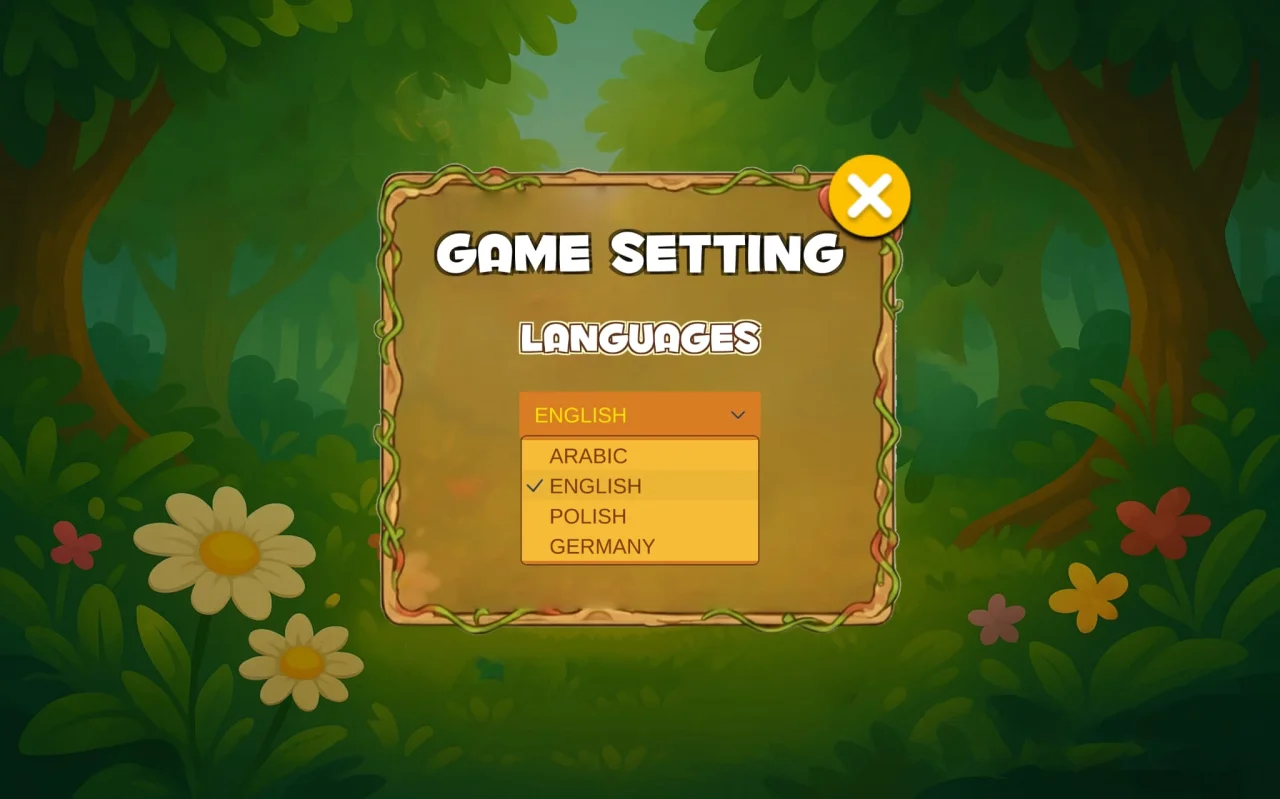
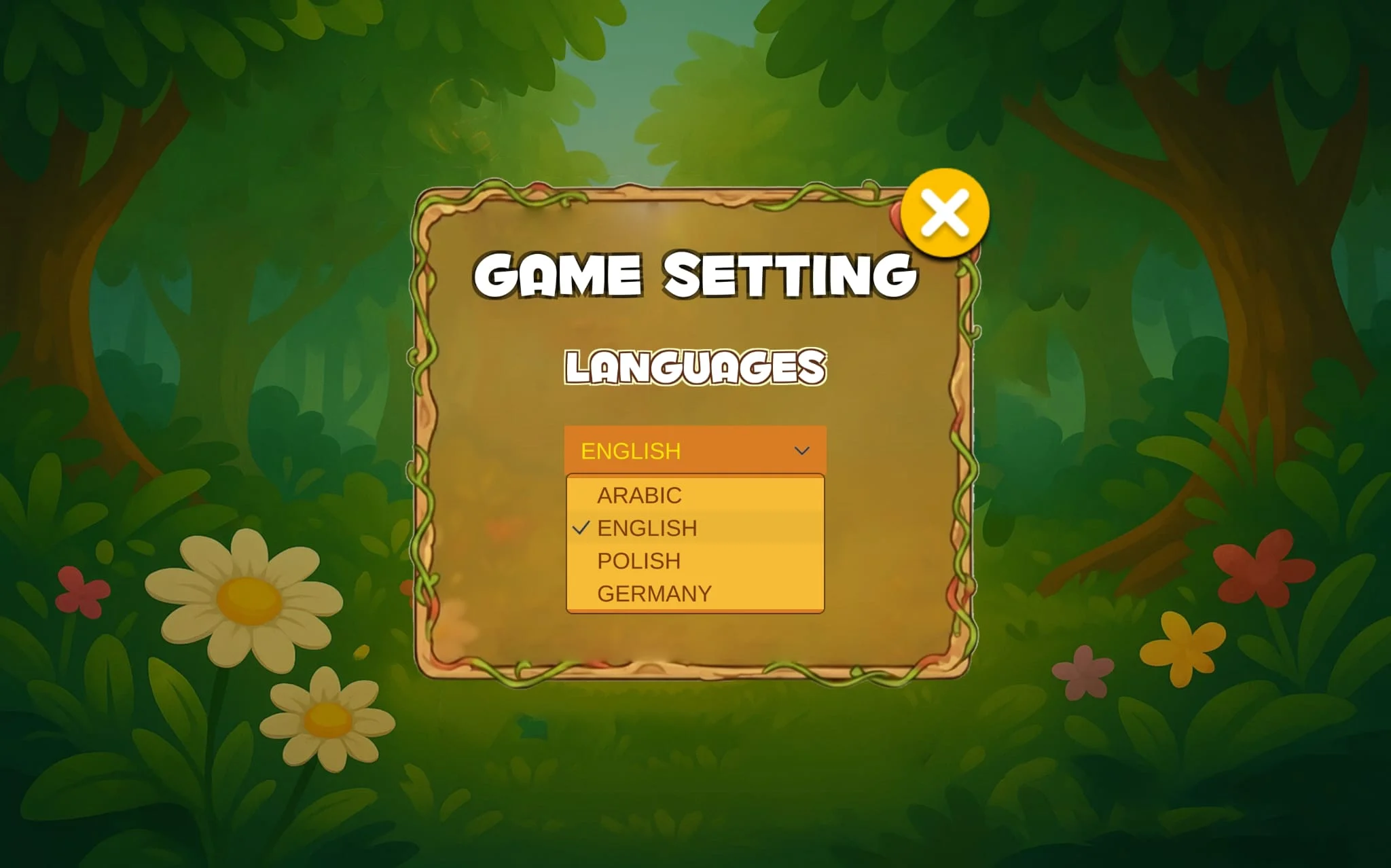
Multi-language support (Arabic, English, German, Polish) Auto language detection Tap/Flappy gameplay (easy for kids)…
Item Description
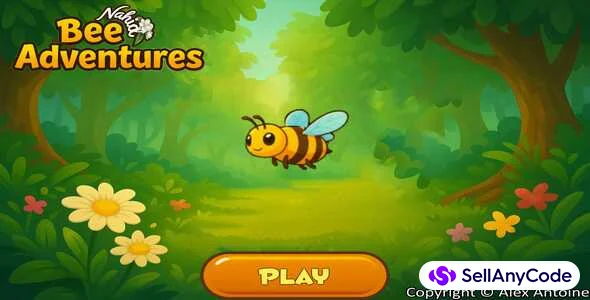
Title: Bee Adventures (Mith-Language) — By Alex Antoine
Unity Version: 6.2 (6000.2.2f1) — LTS recommendedPlatforms: Android, Windows (Expandable)
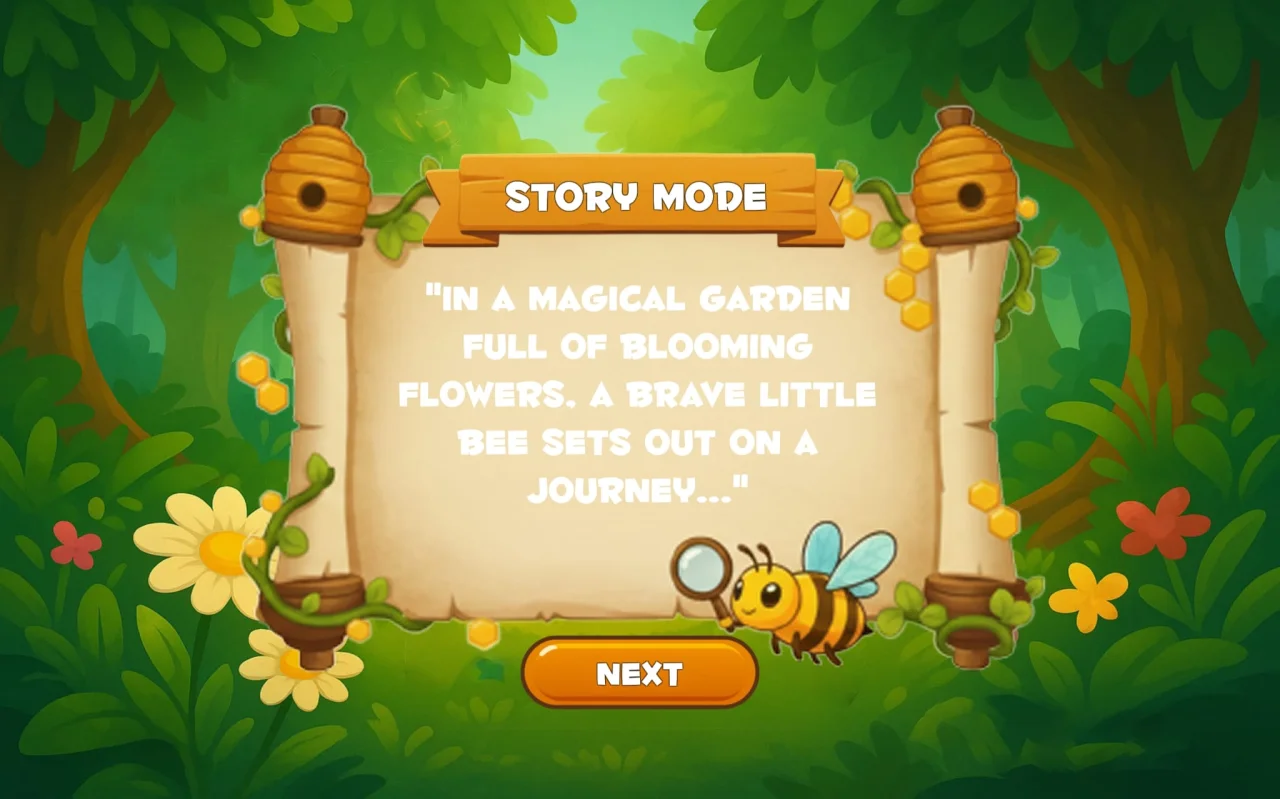
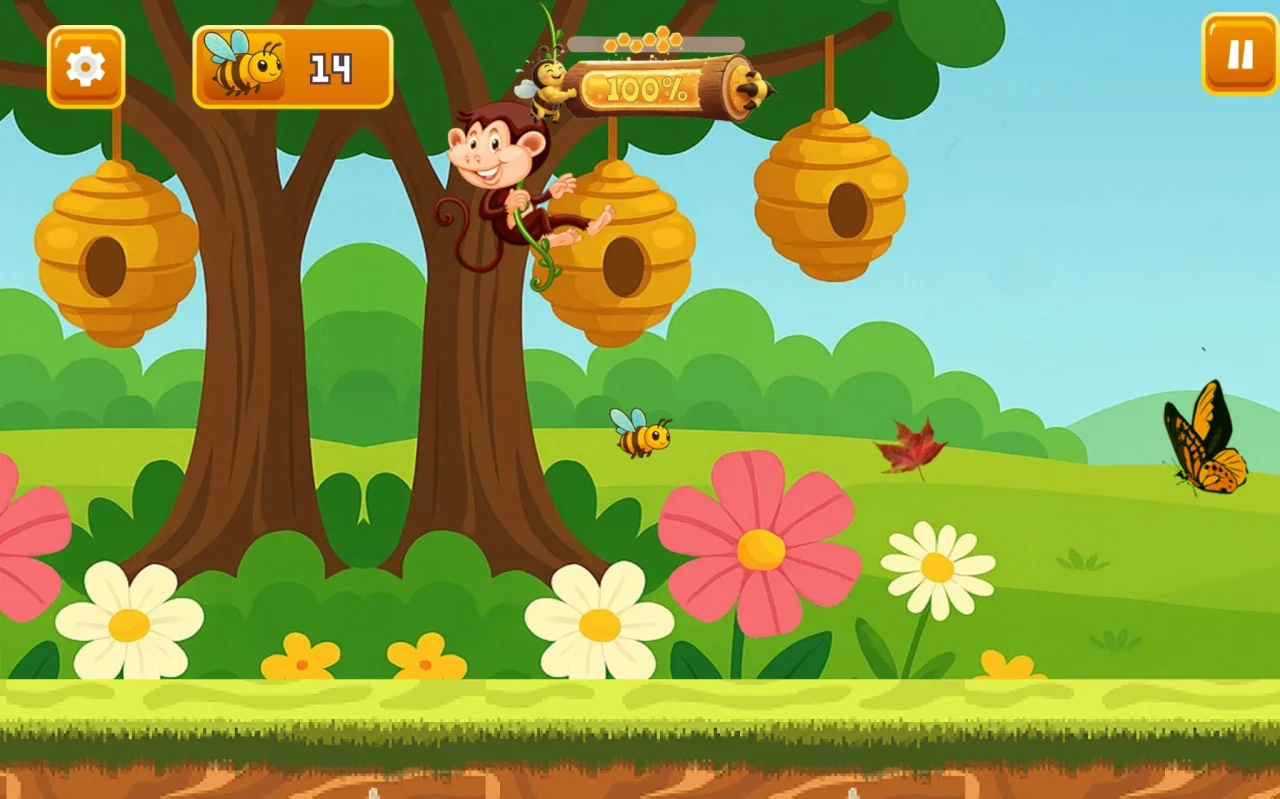
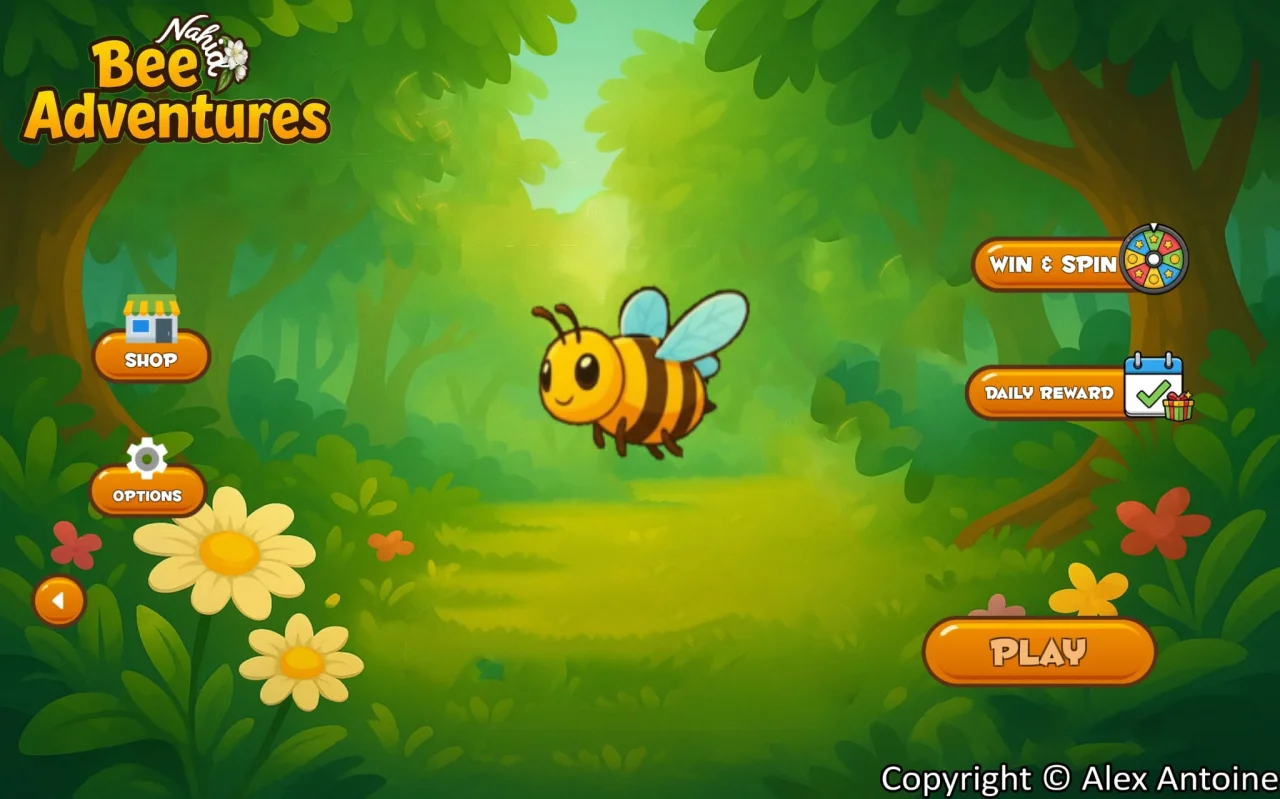
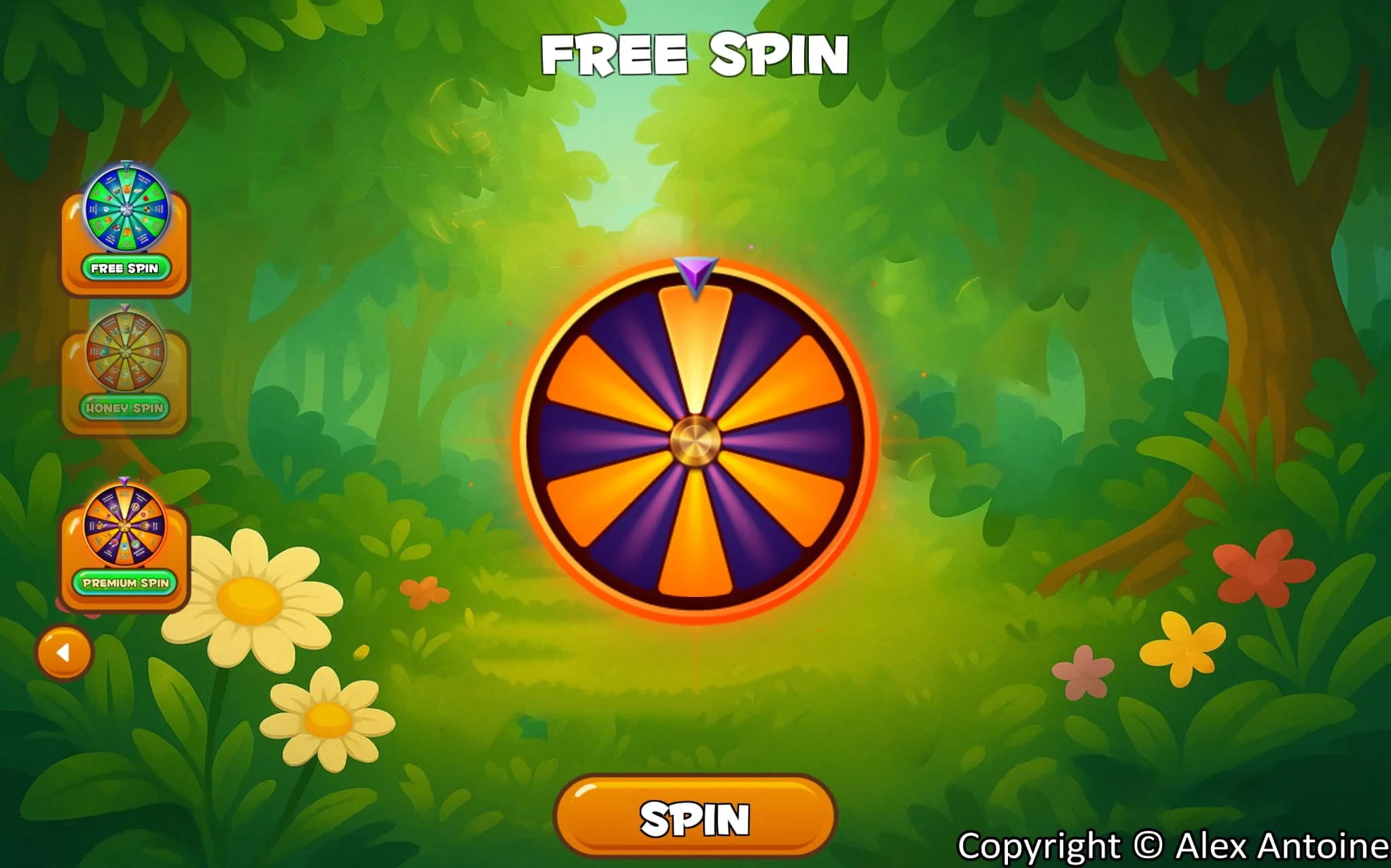
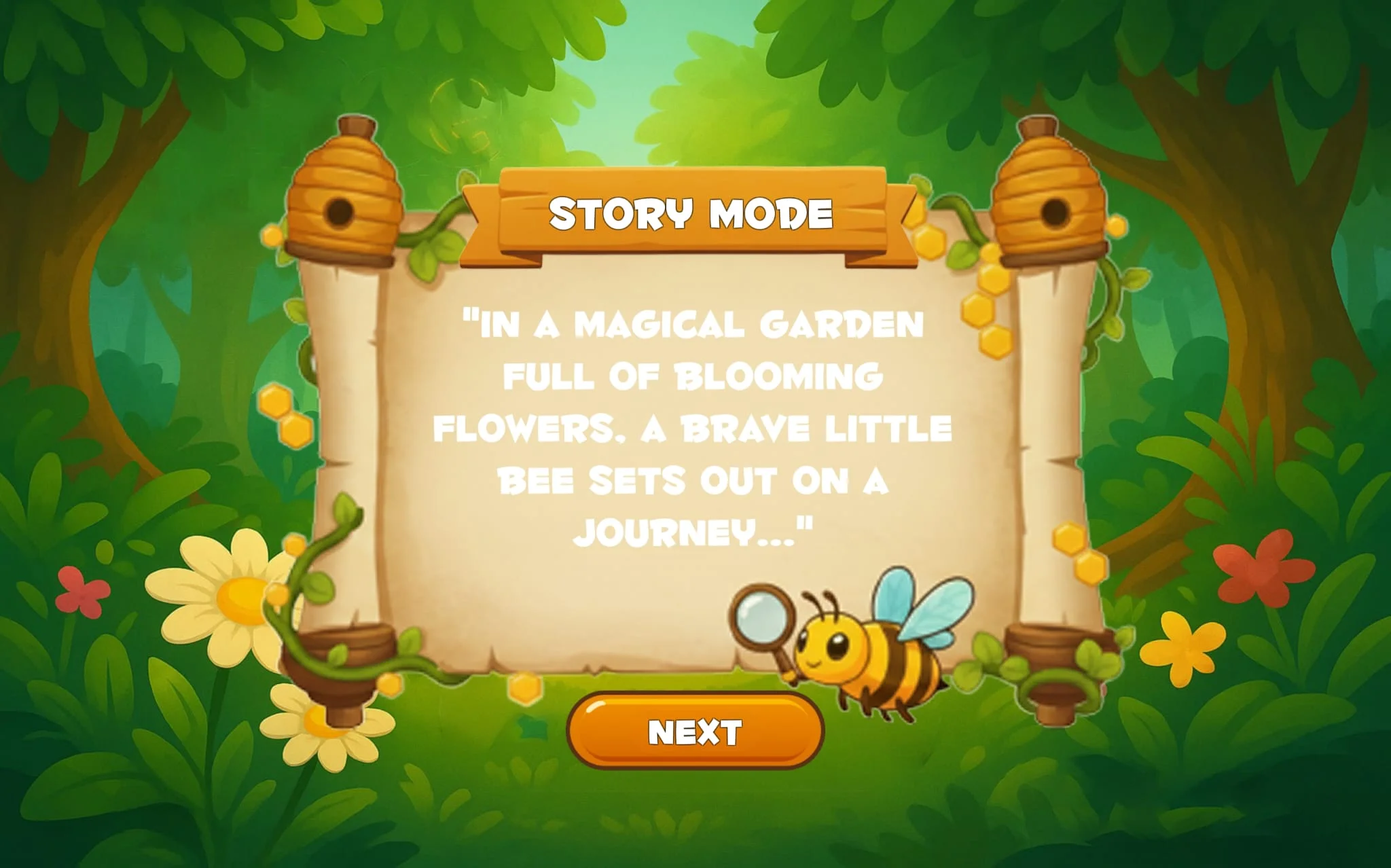
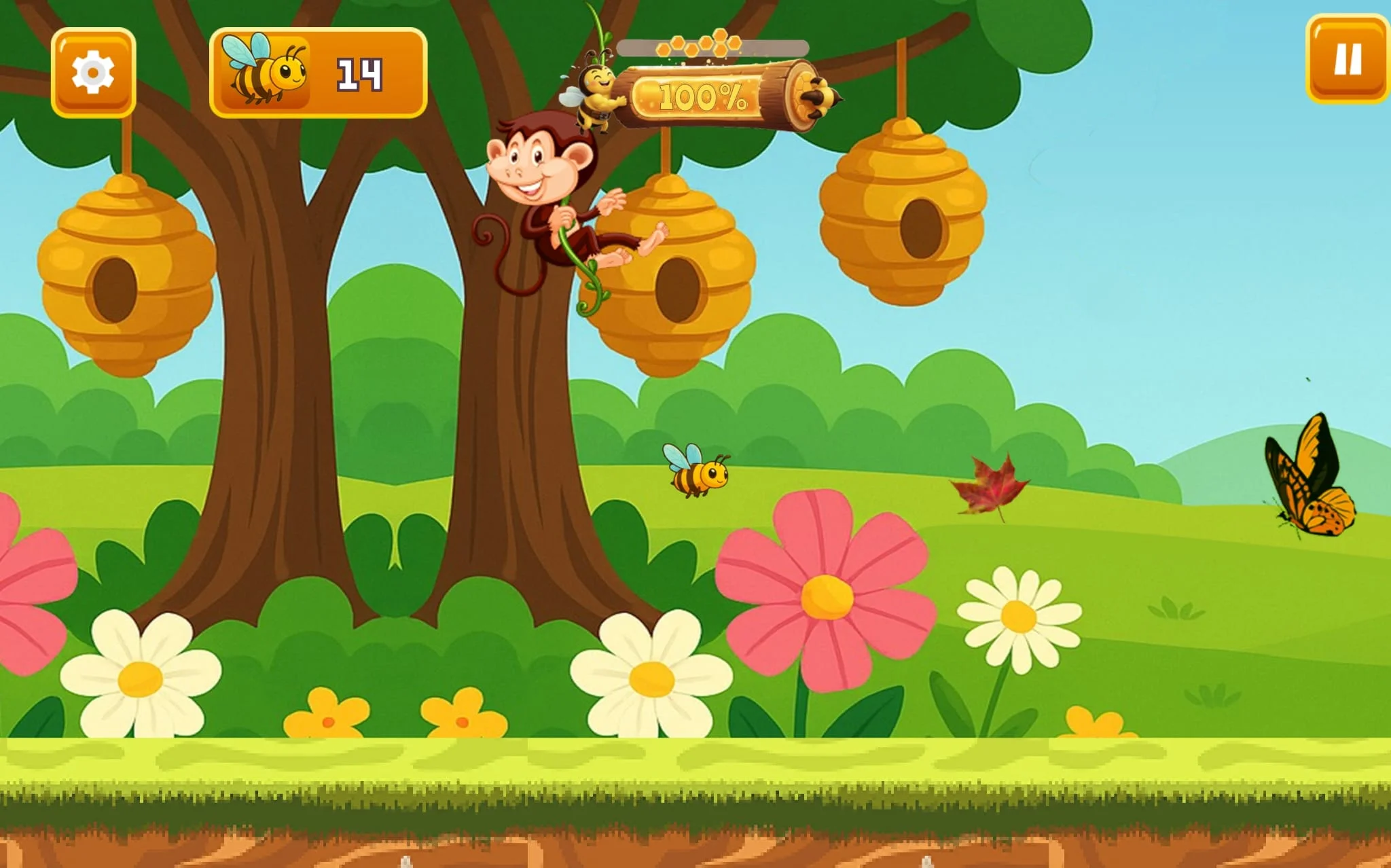
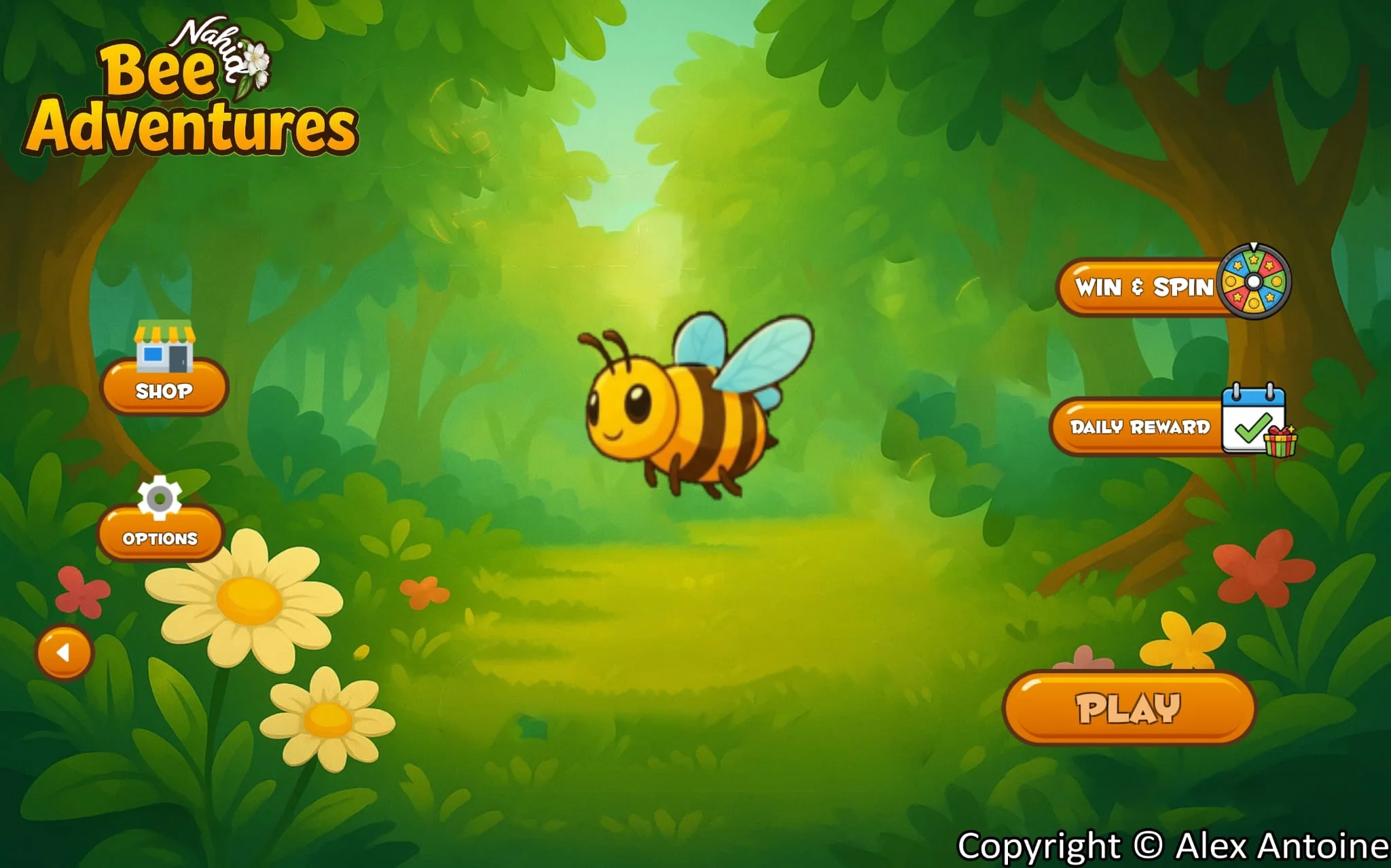
Features:- Intro story + professional main menu- Tap/Flappy gameplay style (easy for kids)- Animated bee character (blinking eyes + moving legs)- Score system + pause + HUD- Power percentage system for the bee (Energy bar)- Daily calendar system (UI ready, not yet active)- Lucky wheel system (UI & spin animation ready, content not added yet)- Sound effects and music- Multiple languages: Arabic, English, German, Polish (expandable)- Auto language detection: the game automatically matches the phone’s language (defaults to English if not supported)- Copyright © Alex Antoine
Folder Map:- 01_SourceCode/BeeAdventures_WithLanguages.unitypackage- 02_Assets/ (Art/Audio/Fonts)- 03_Localization/ (ar.json, en.json, …)- 05_Docs/ (Licenses + Changelog)- 06_Marketing/ (Screenshots + Covers)
How to Import:1) Open Unity (same version or newer).2) File > New Project (2D or 3D) or open your existing project.3) Assets > Import Package > Custom Package …4) Select BeeAdventures_WithLanguages.unitypackage and choose All > Import.5) Open the MainMenu scene, then press Play.
Change App Name & Package (Android):- Project Settings > Player > Product Name.- Android: Player > Other Settings > Package Name.
Change Icon:- Project Settings > Player > Icon.
Languages:- Place ar.json and en.json in Resources/Localization (or the project’s localization folder).- To switch language: use the in-game settings menu.
Audio:- All sound files are in 02_Assets/Audio.- You can replace them, just keep the same file names and paths.
Notes:- This product is modular and can be expanded.- You can add levels, enemies, in-game shop, and more.
Features
- Multi-language support (Arabic, English, German, Polish)
- Auto language detection
- Tap/Flappy gameplay (easy for kids)
- Animated bee character
- Score system + pause menu
- Sound effects and background music
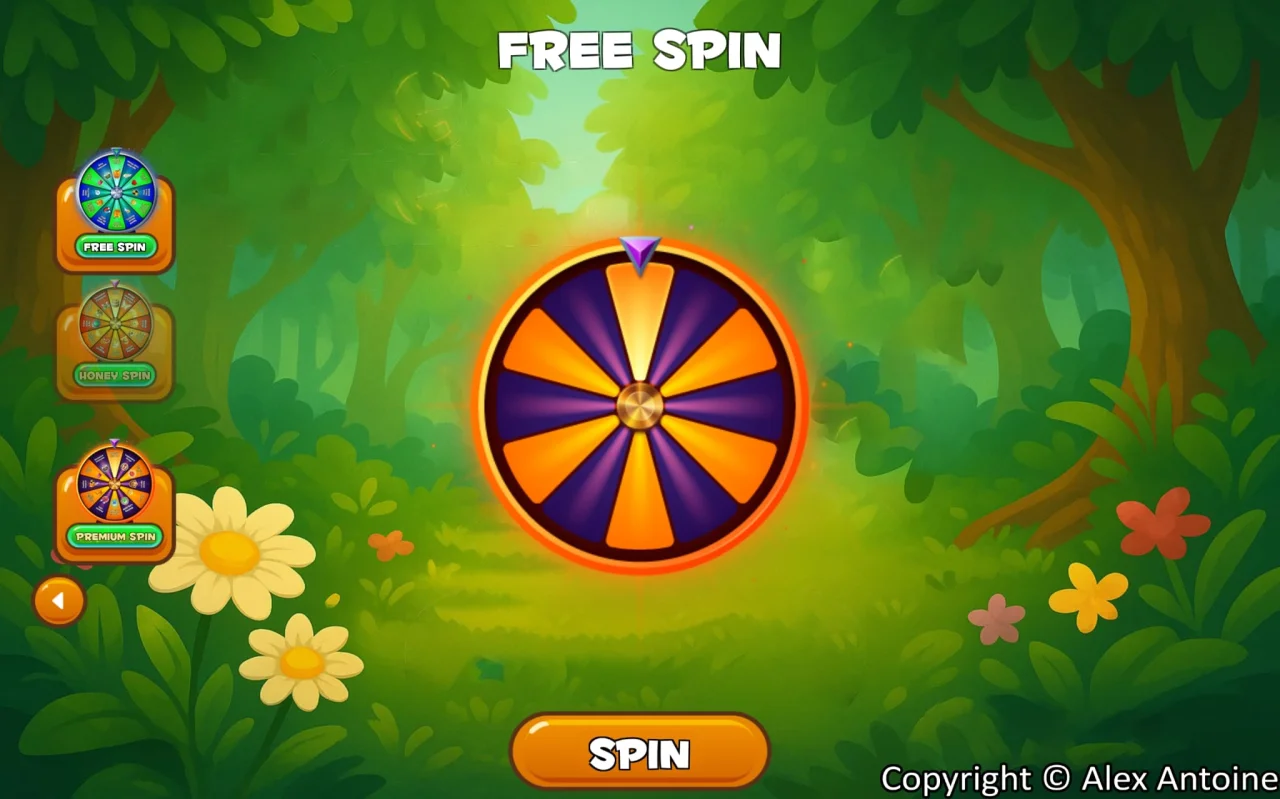
- Spin wheel UI (ready)
- Daily calendar UI (ready)
$ 25
- Verified source code
- Join 35255+ buyers which trust us!
- Download code immediately

100% Guarantee For Item!
Satisfaction guarantee policy.
Satisfaction guarantee policy.
Information
| Category | Game Templates / Unity |
| First Release | 23 October 2025 |
| Platforms | Android 9.0, Android 10.0, Unity 2019, Unity 2020 |
| Files included | .cs, .apk, .unityproj, .prefab, build.settings |
| File Size | 211 MB |
| Frameworks | Unity |
Similar Items