

DocVera Collect Document Compliance Manager
Self-hosted portal to collect, track, approve and renew client documents
Item Description
What is DocVera Collect?
I built DocVera Collect for businesses and teams that need a simpler way to collect and manage documents from their clients.
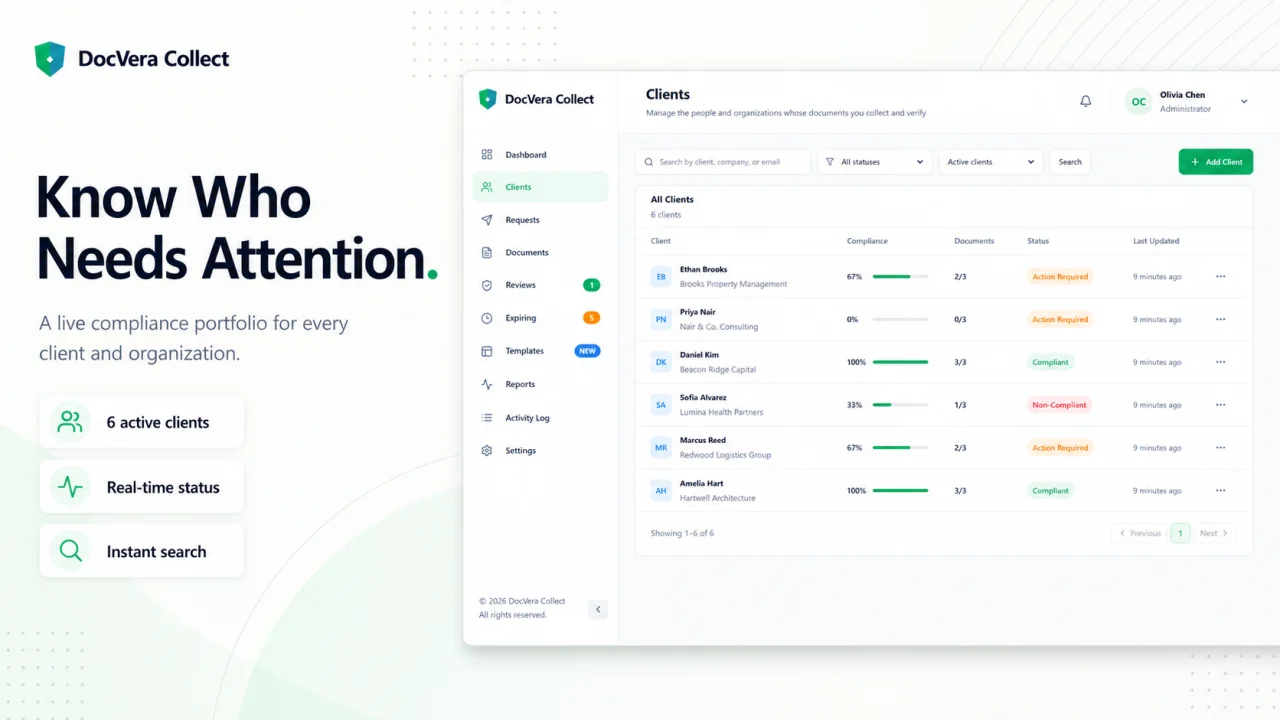
It is a self-hosted web application where you can create client records, request multiple documents, send secure upload links, review submitted files, track expiration dates, handle renewals, and monitor compliance from one place.
Each organization has its own separate workspace, including its users, clients, documents, settings, email configuration, and reports.
Why I Built It
Managing client documents through email can quickly become difficult, especially when you are handling multiple clients and requirements. Files get buried in email threads, follow-ups have to be done manually, and it becomes harder to keep track of what has already been submitted.
DocVera Collect makes it easier to see:
- Which documents you requested
- Which documents have already been submitted
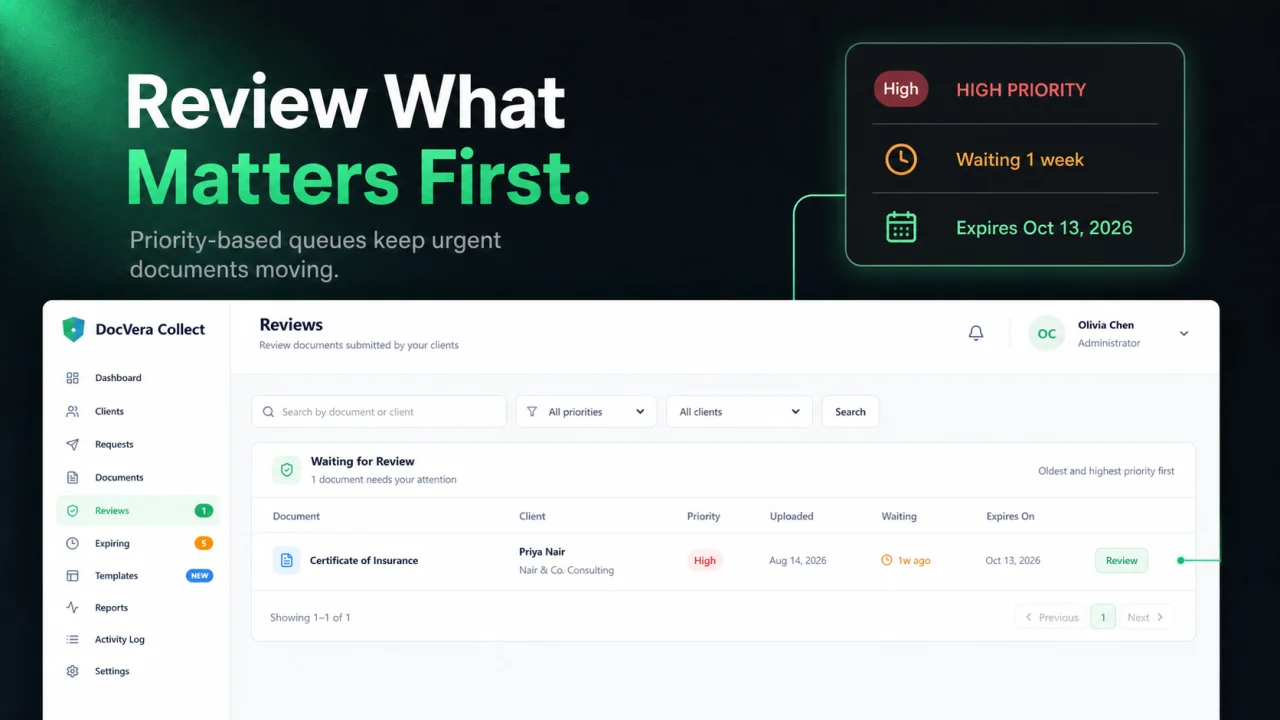
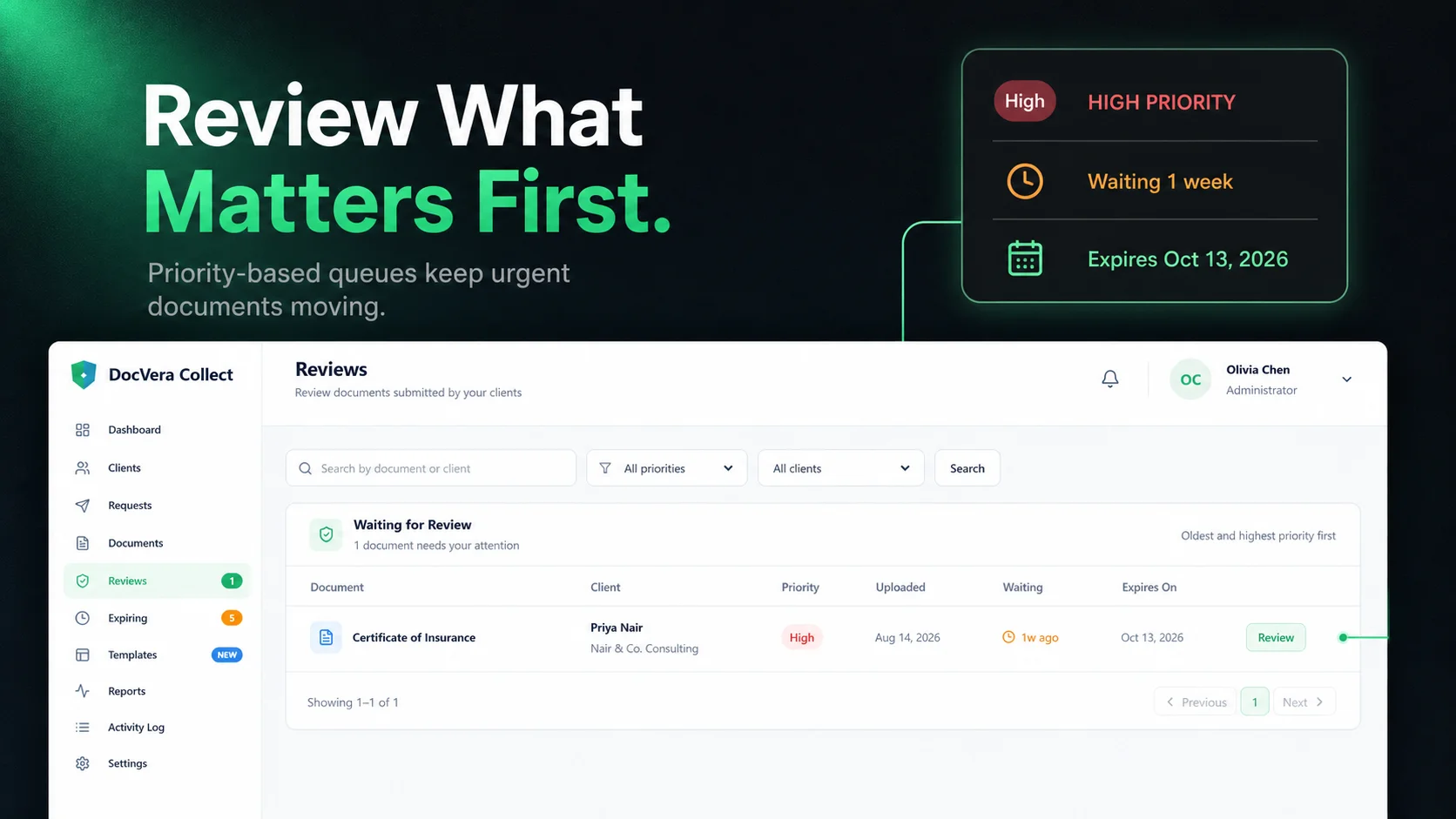
- Which submissions are waiting for review
- Which documents were approved, rejected, or replaced
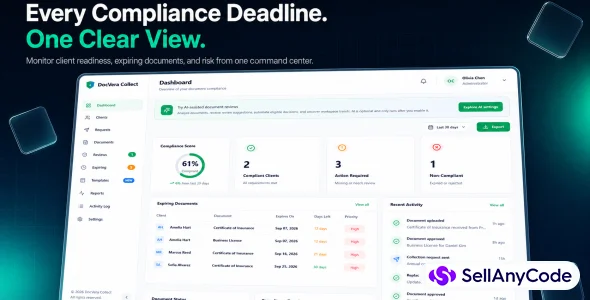
- Which documents are about to expire
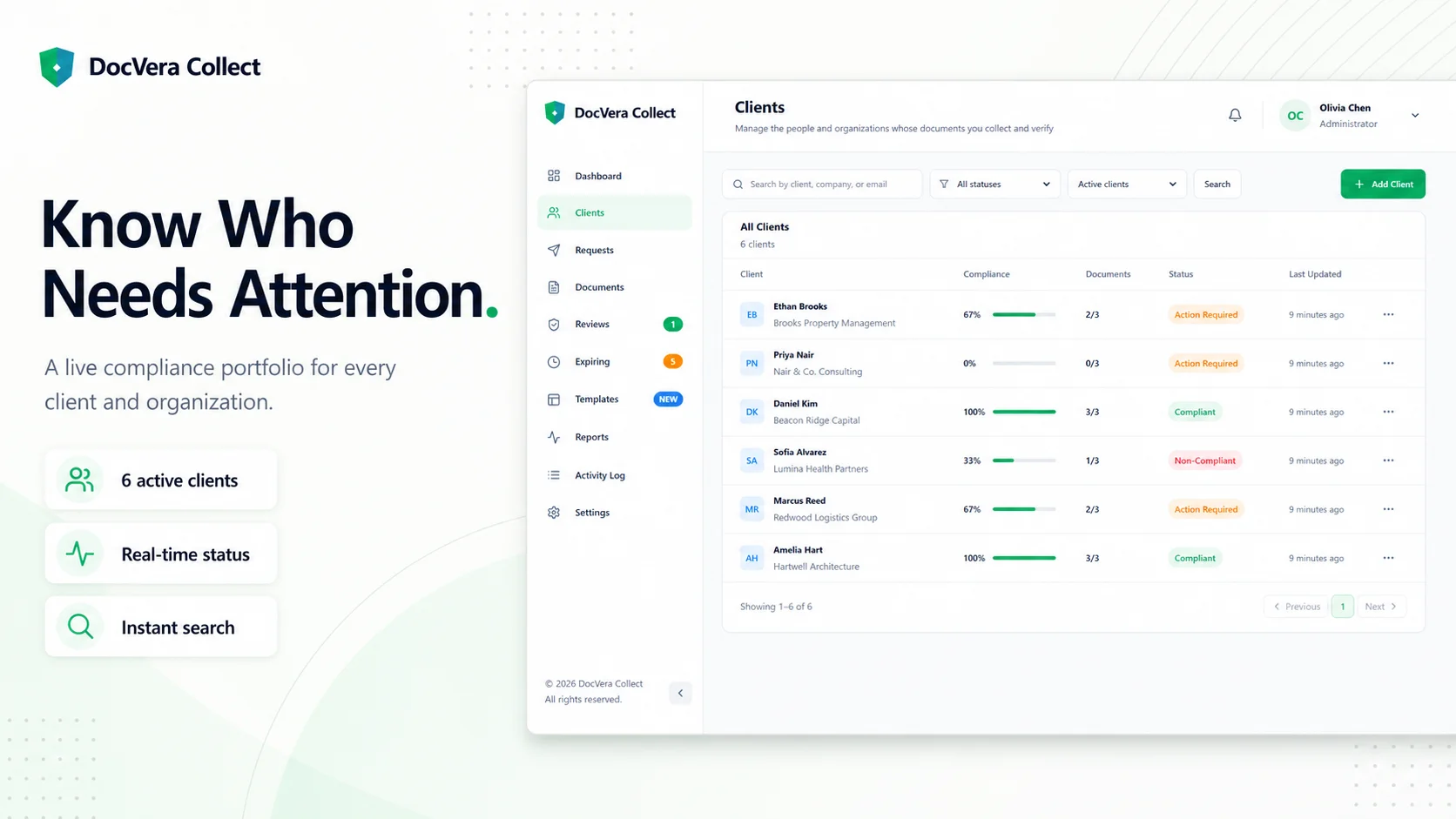
- Which clients have completed their requirements
- Who performed each action
How It Works
The process is straightforward.
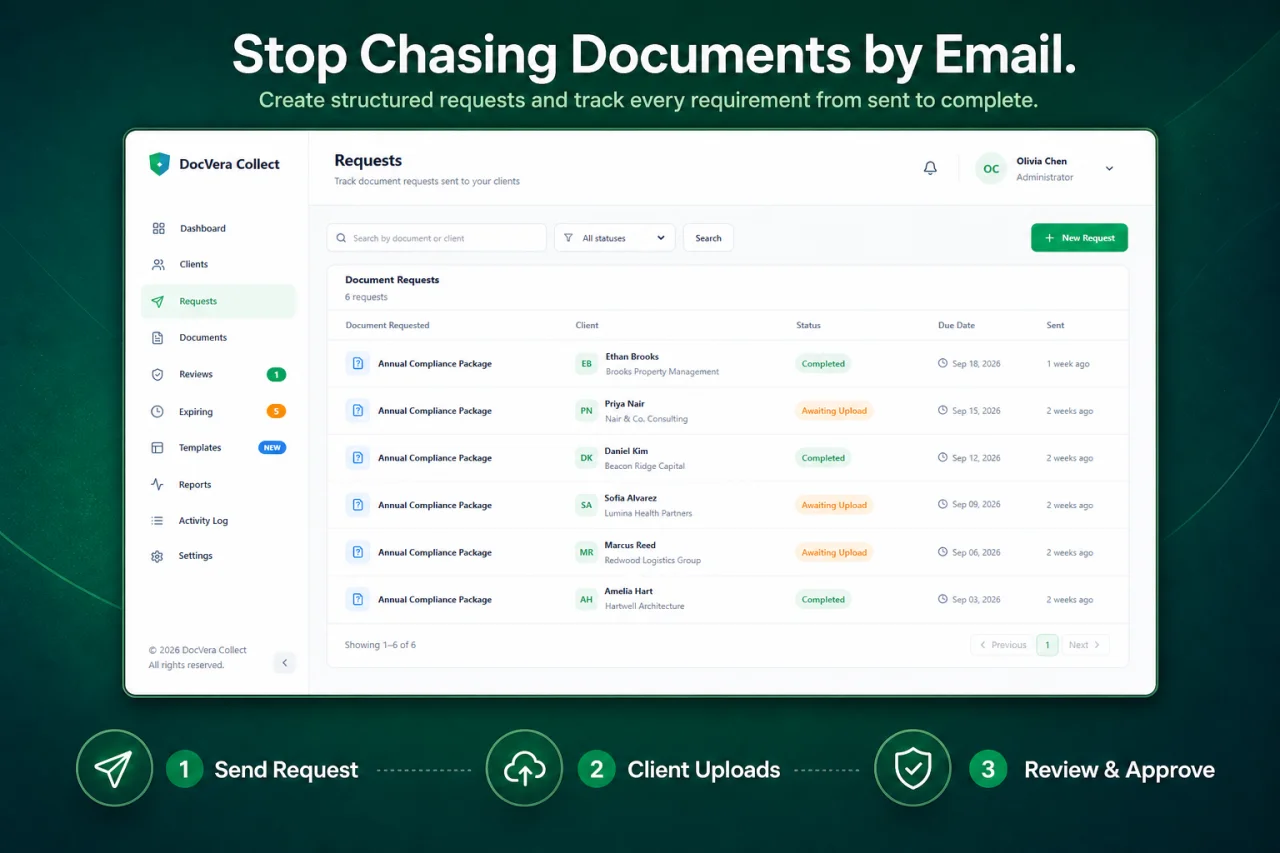
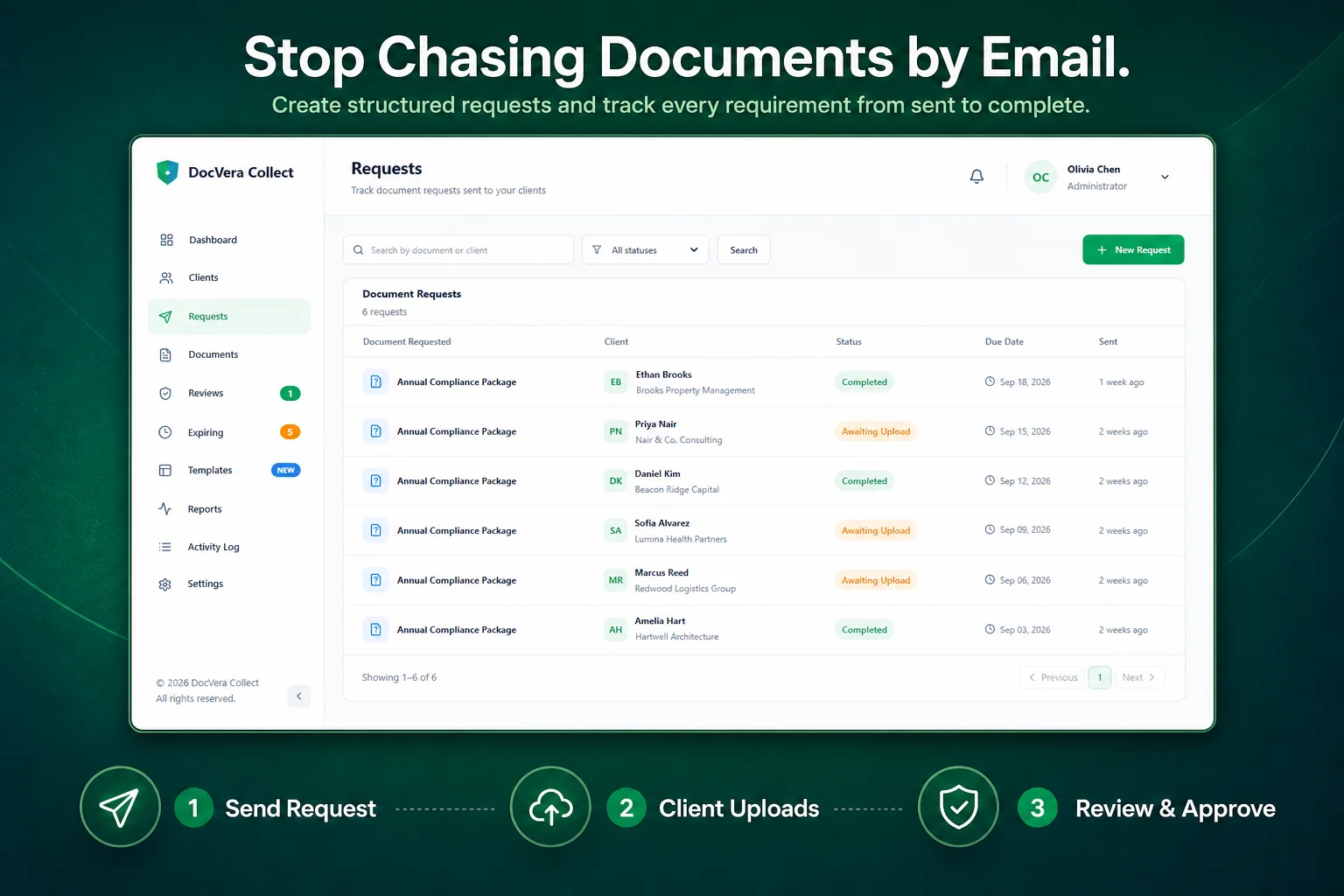
Create a client, choose the documents you need, and send the client a secure upload link. Clients can submit their files through the public upload page without needing access to your workspace.
Once a document is submitted, your team can review it and approve it, reject it, or request a replacement.
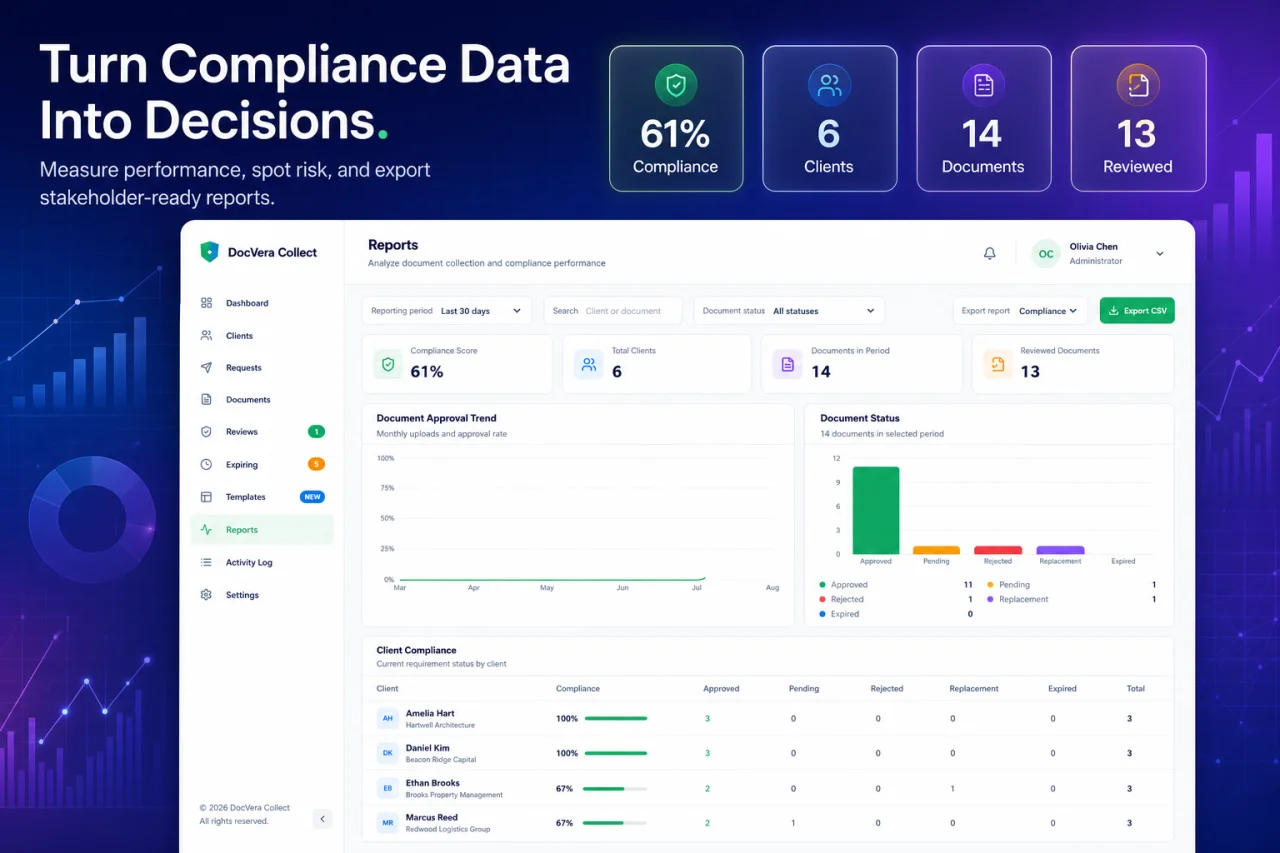
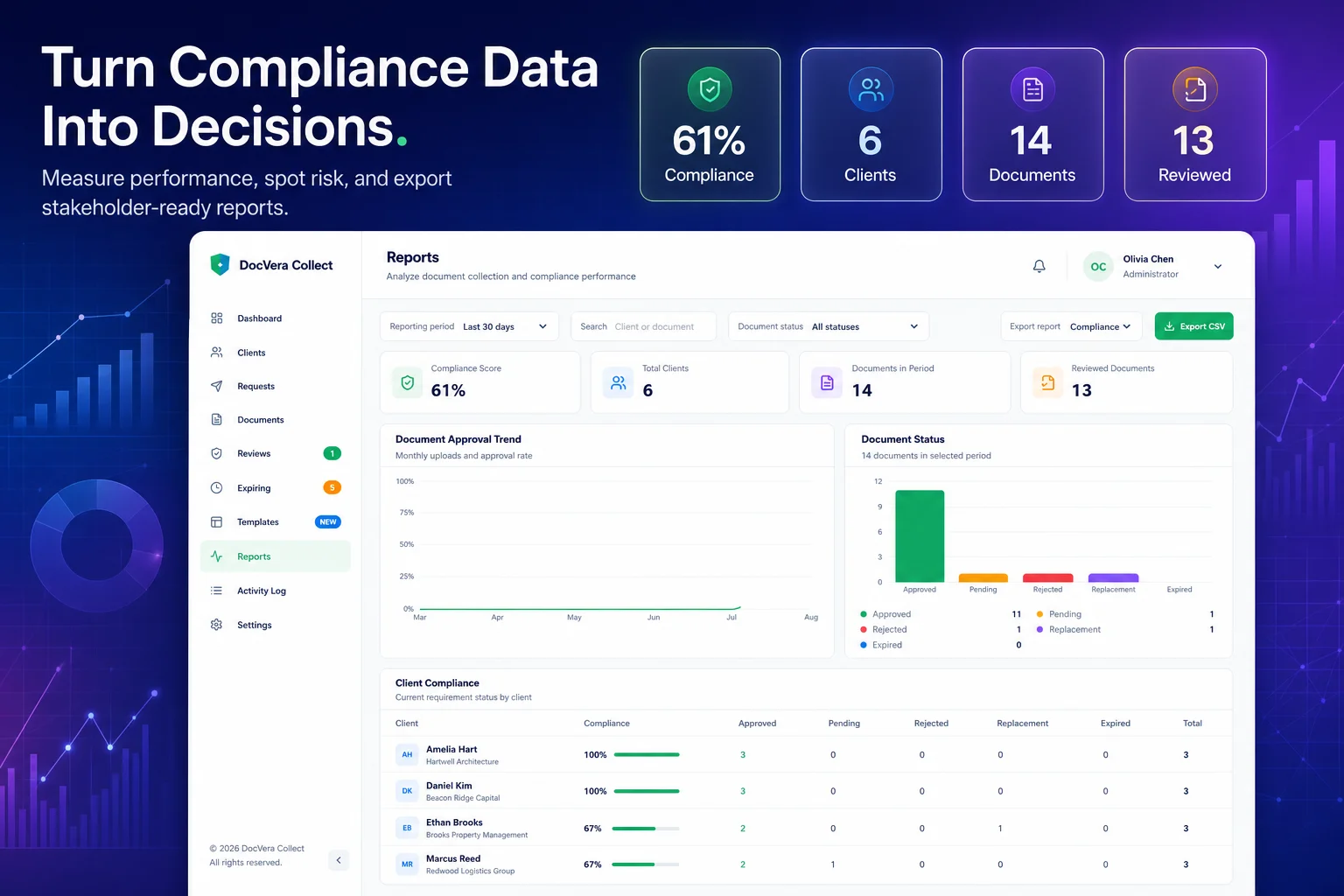
After approval, DocVera Collect continues to help you manage the document lifecycle. You can track expiration dates, send renewal requests, monitor client compliance, export records, receive notifications, and review activity history.
Instead of managing document requests across emails, spreadsheets, and separate folders, you can keep the entire collection and review process in one workspace.
Requirements
Apache or NginxURL rewritingDocument root directed to the application’s public/ directoryWritable storage/ directoryWritable bootstrap/cache/ directoryCron accessPersistent or supervised Laravel queue workerHTTPS recommended for production256 MB PHP memory minimum512 MB recommended for PDF processing and larger uploads
Installation
- Extract and upload the application files.
- Point the web server document root to the
public/directory. - Copy
.env.exampleto.env. - Install PHP and frontend dependencies where required.
- Generate the Laravel application key.
- Ensure
storage/andbootstrap/cache/are writable. - Open
/installin the browser. - Enter the application and system-owner information.
- Configure and test an empty supported database.
- Select local or S3-compatible storage.
- Configure outgoing email and send the required test message.
- Complete installation.
- Register the first workspace account.
- Configure a queue worker and cron schedule for production.
Verified command-line setup is also documented:
composer install
npm install
php artisan key:generate
php artisan migrate
npm run build
Docker deployment files are included as an alternative installation path.
Features
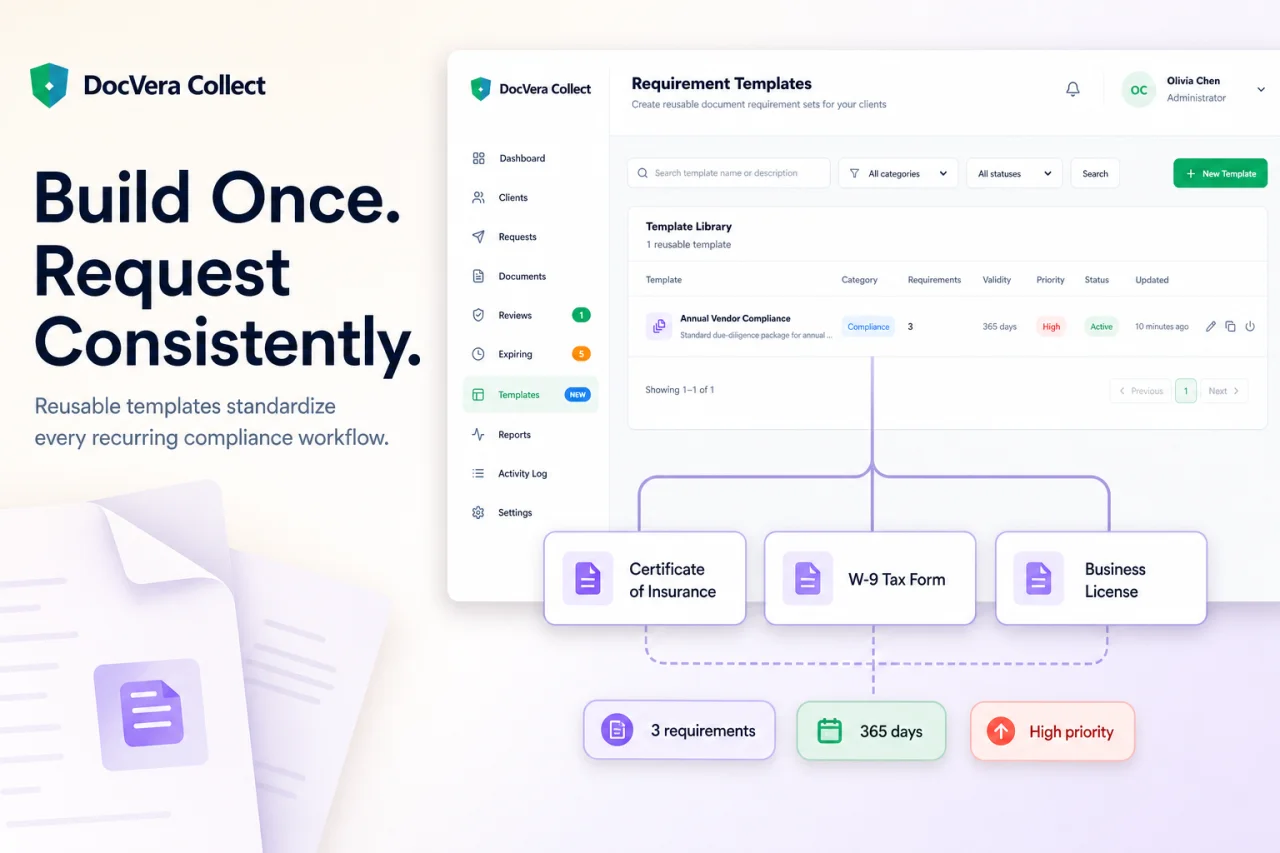
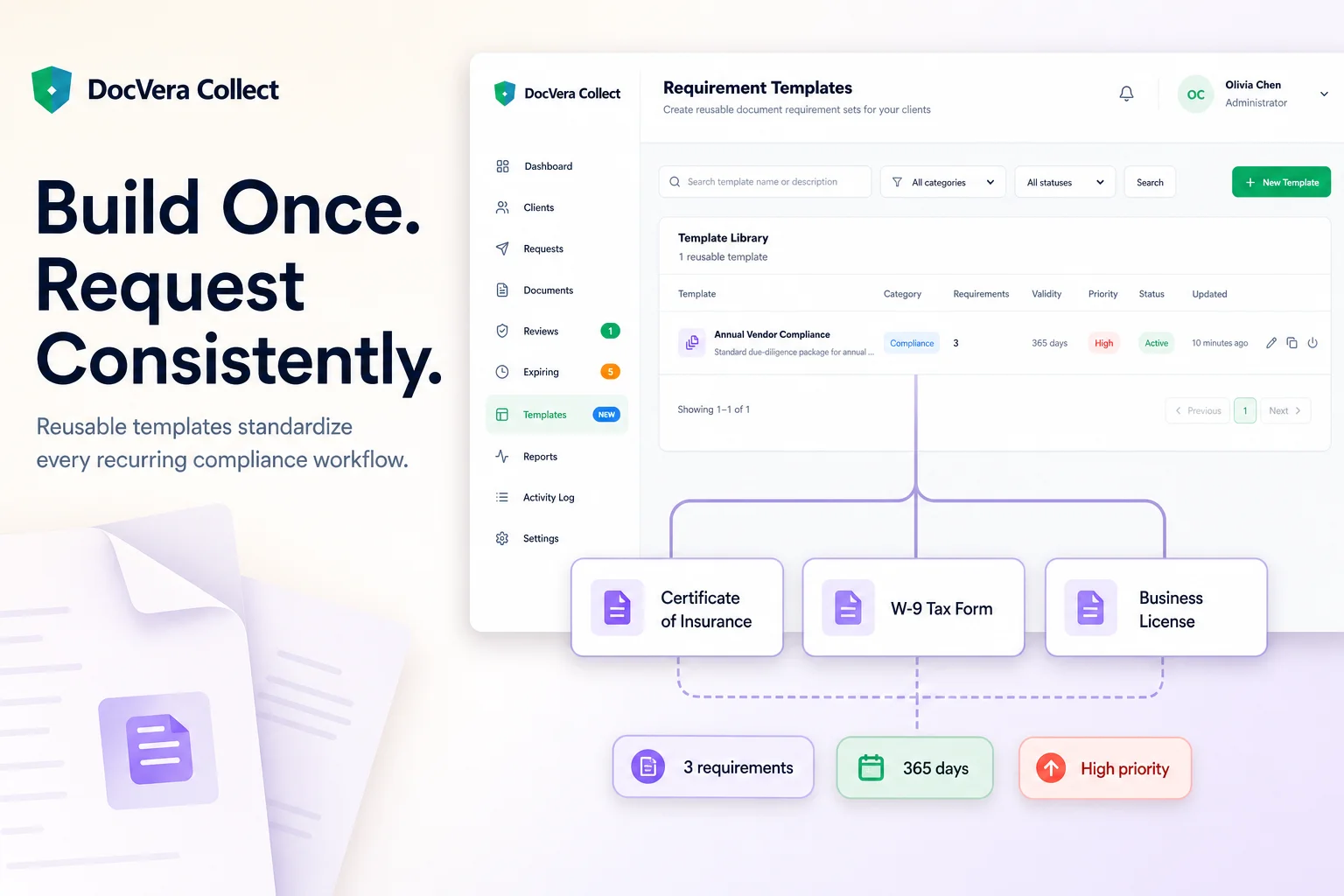
Self-hosted client document collectionIsolated organization workspacesClient records and compliance profilesMulti-document collection requestsRequired and optional document requirementsSecure public upload linksPassword-protected upload linksExpiring, revocable, and regeneratable linksConfigurable upload size and file typesReusable requirement templatesSearchable priority review queueDocument approval and rejectionReplacement-document requestsDocument version historyPrivate file downloadsDocument expiration trackingAutomated renewal requestsCompliance status summariesHistorical compliance snapshotsDashboard metrics and chartsFiltered CSV exportsWorkspace activity historyIn-app notificationsAdministrator, Manager, Staff, and Reviewer rolesTeam invitations and account activation controlsWorkspace email-provider configurationTest email deliveryEmail delivery tracking and webhooksLocal private storageS3-compatible storageOptional AI-assisted document analysisOptional AI-generated workspace insightsWeb-based installation wizardDatabase migration during installationHealth and production checksScheduled application backupsDocker deployment files
$ 0
- Verified source code
- Join 35204+ buyers which trust us!
- Download code immediately

100% Guarantee For Item!
Satisfaction guarantee policy.
Satisfaction guarantee policy.
Information
| Category | Scripts & Code / PHP Scripts |
| First Release | 15 October 2026 |
| Files included | .php, .html, .css, .sql, .cs, .c |
| Software version | PHP 7.4 |
| File Size | 5 MB |
| Database version | MySQL 4.x |
| Frameworks | PHP Scripts |
Similar Items





Yoga
$29