

Queue Management System PHP Script
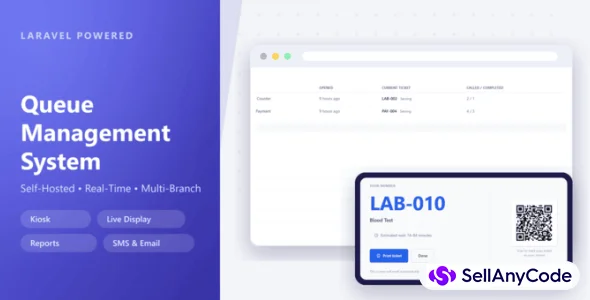
Self-hosted Laravel queue and token system with kiosk, display screens and SMS
Item Description
Queue Management System is a modern, self-hosted queue and token management platform built to bring order and confidence to any organization that serves customers face-to-face — clinics, government offices, banks, schools, service centers, pharmacies, and laboratories.
Designed as a modular Laravel application, it's yours to own and control: install it on your own server in minutes through a guided setup wizard — no terminal, no manual configuration, no developer required. From day one, you get a single organization with unlimited branches, departments, services, and counters, ready to scale alongside your growth.
Requirements
Hosting
- PHP 8.3+
- Any standard web hosting environment (shared, VPS, or dedicated) — Apache or Nginx
- No terminal access required to install (guided setup wizard included)
Database — pick whichever you already run:
- MySQL / MariaDB
- PostgreSQL
- Microsoft SQL Server
Required PHP Extensions
OpenSSL, Mbstring, cURL, Fileinfo, Zip, GD, Intl, Exif, Sodium, plus the PDO driver for your chosen database. Most hosts enable these by default.
Permissions
Your host needs to allow writing to the .env file and the storage and bootstrap/cache folders during install — standard for any Laravel application.
Recommended for Real-Time Features
- A queue worker process for background jobs
- A lightweight WebSocket process (Laravel Reverb, included) for live queue calls and display screens
No Redis, no Node.js, and no build step required — the frontend assets ship pre-compiled, so you're up and running straight out of the box.
Installation
Getting Queue Management System up and running takes just a few minutes — no terminal commands, no manual file editing. Follow these steps in order.
1. Upload Your Files
Extract the package and upload the contents to your server, pointing your domain (or subdomain) at the public folder.
2. Visit Your Domain
Open your site in a browser. Since the system isn't installed yet, you'll be automatically redirected to the setup wizard.
3. Requirements Check
The wizard checks your server automatically — PHP version, required extensions, and folder permissions. If anything's missing, you'll see exactly what to fix before continuing. Most standard hosting environments pass this step without any changes.
4. Connect Your Database
Choose your database type — MySQL/MariaDB, PostgreSQL, or SQL Server — and enter the connection details for a database you've already created. Use "Test Connection" to confirm everything's correct before moving on.
5. Run Migrations
Click "Run Migrations" and the wizard builds your entire database structure automatically. This step is safe to retry if your connection drops partway through.
6. Create Your Admin Account
Set up the name, email, and password you'll use to log in and manage the system once installation is complete.
7. Set Up Your Organization
Enter your organization's name, timezone, and locale, along with your first branch. You can add more branches, departments, services, and counters later from the admin panel.
8. You're Done
The wizard locks itself down for security and takes you to the login page. Sign in with the admin account you just created, and you're ready to start configuring branches, services, and staff.
Recommended after installation:
- Set up a queue worker (
php artisan queue:work) so background jobs (notifications, exports, etc.) run smoothly - Start the Reverb process (
php artisan reverb:start) to enable real-time queue calls and live display screens - Point a process manager (like Supervisor) at both so they restart automatically if the server reboots
Features
Multi-Branch Operations
- Single organization, unlimited branches — each with its own departments, services, counters, and staff
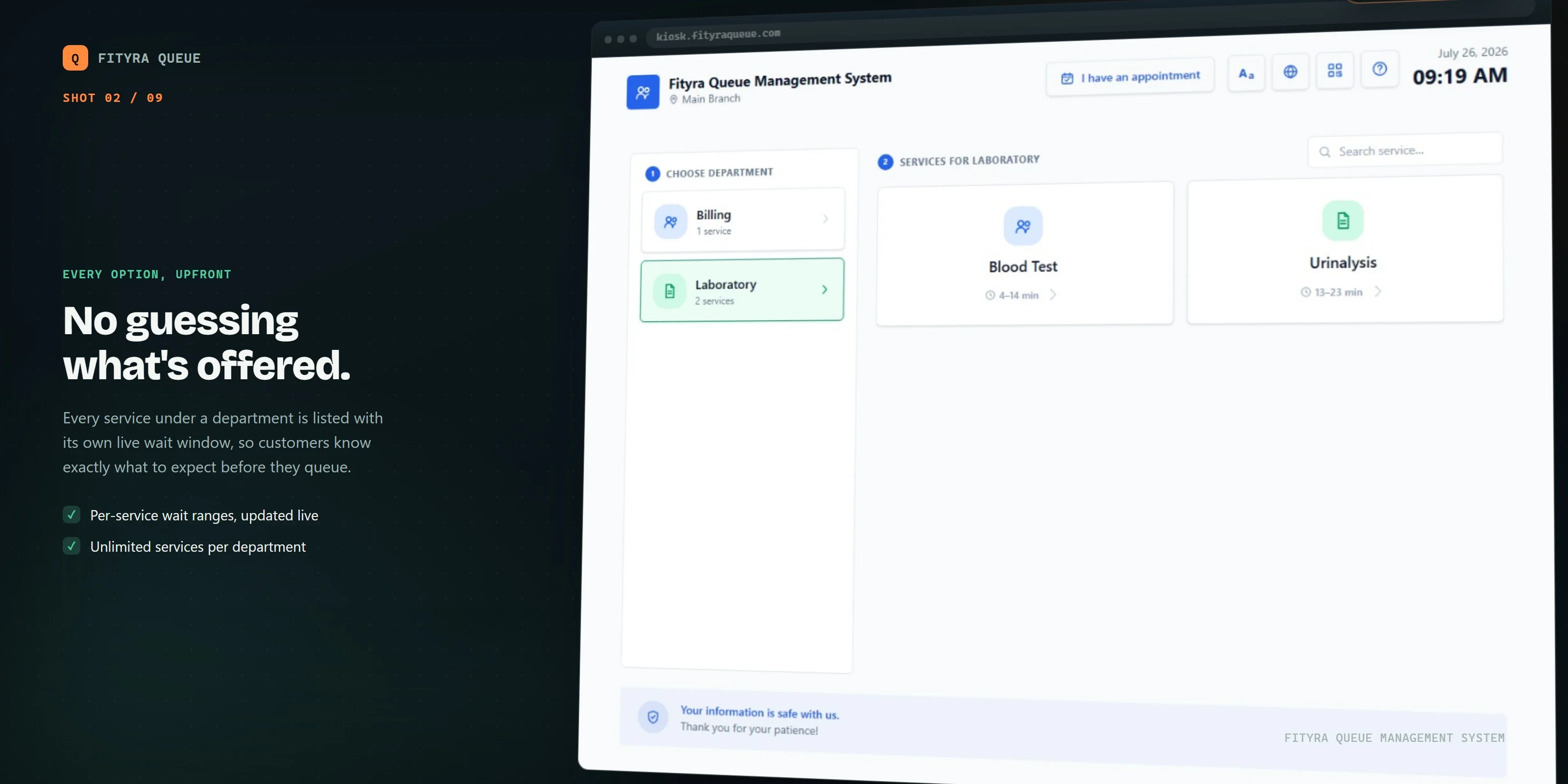
- Department and service catalog per branch, fully customizable
- Staff assignments scoped to specific branches and services
Smart Queue Engine
- Configurable queue numbering per service
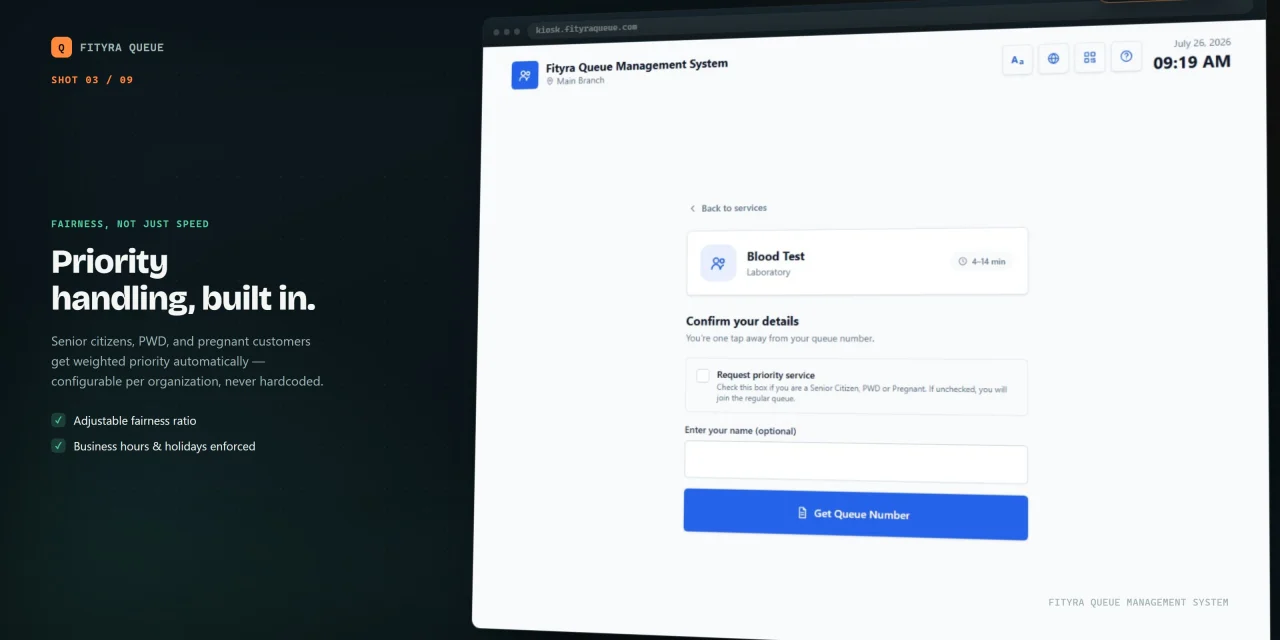
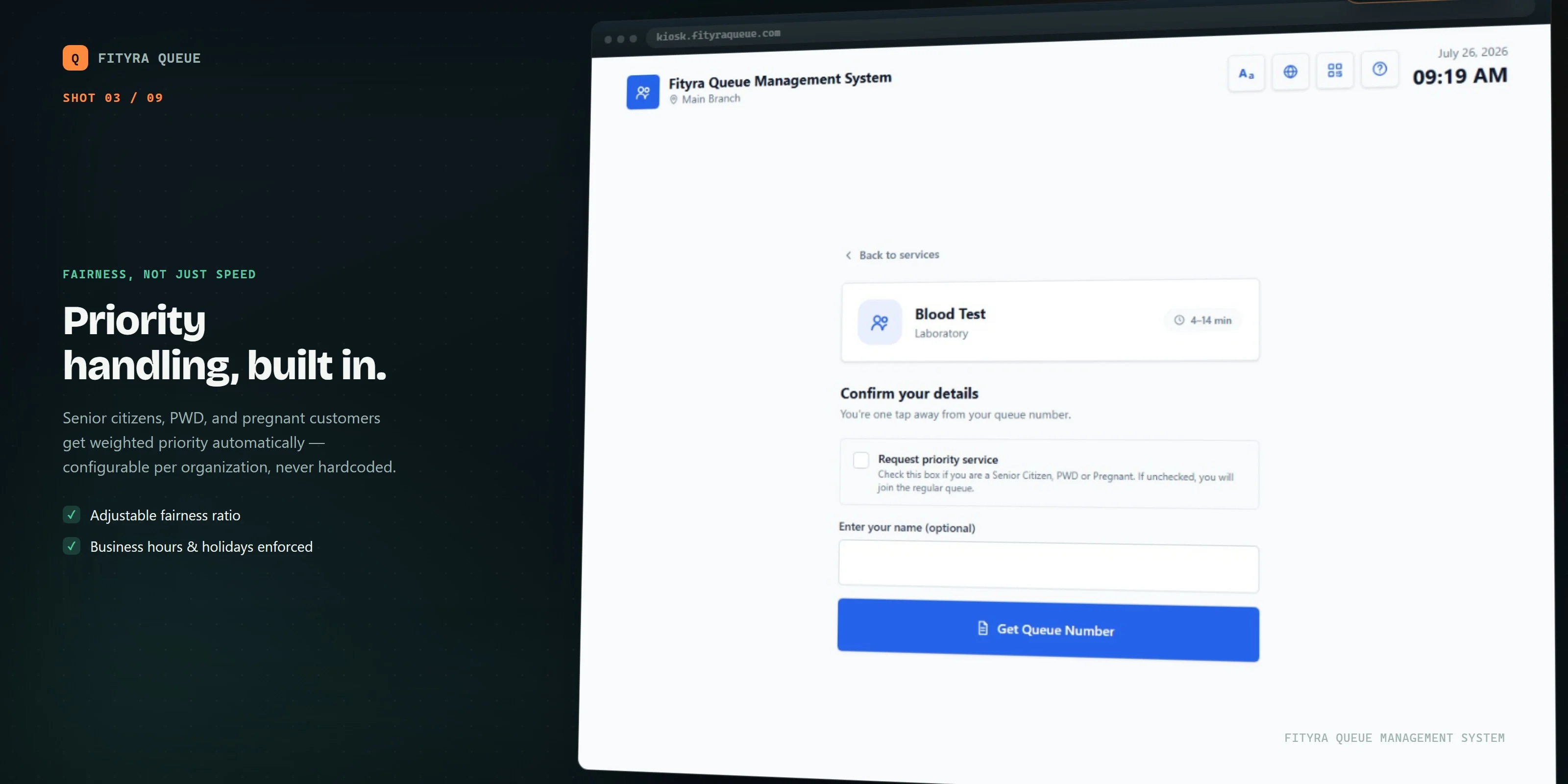
- Priority types (e.g. senior, PWD, VIP) with automatic queue ordering
- Ticket transfers between counters and departments without losing queue position
- Hold and recall handling for tickets that step away
- Full audit trail on every ticket — notes, events, and status changes logged end-to-end
Counter & Staff Tools
- Counter sessions so staff can log in/out of a physical counter and pick up assigned services
- Manual ticket issuance for walk-ins and phone bookings
- Real-time queue monitor for supervisors
Self-Service & Signage
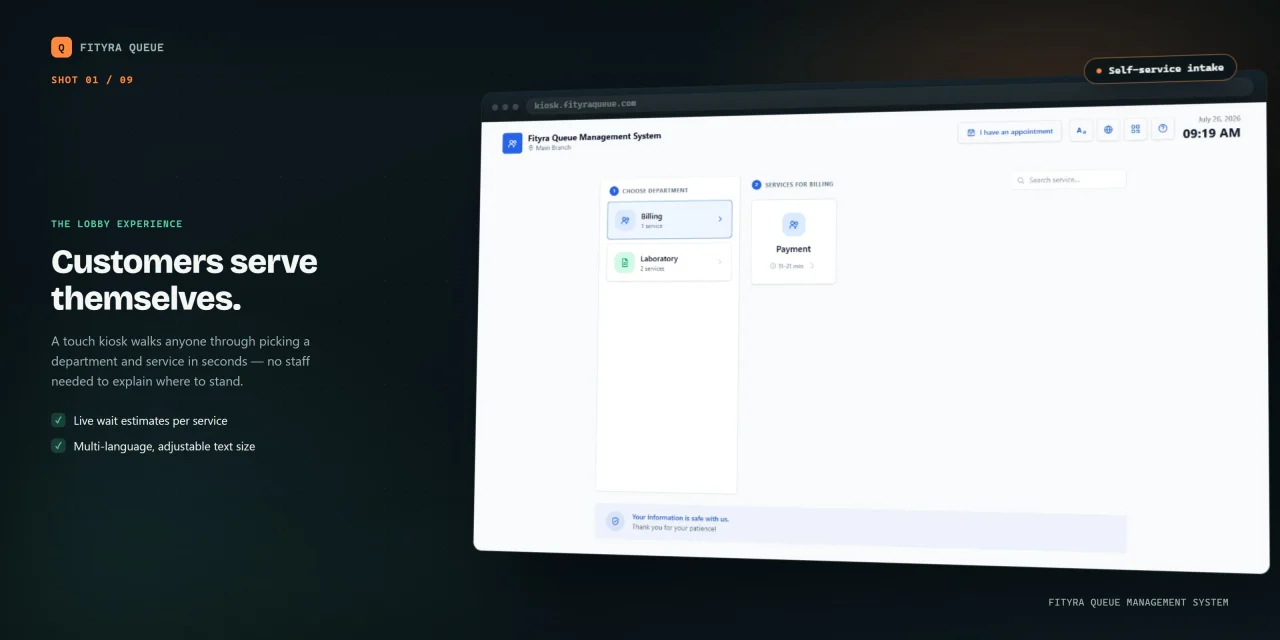
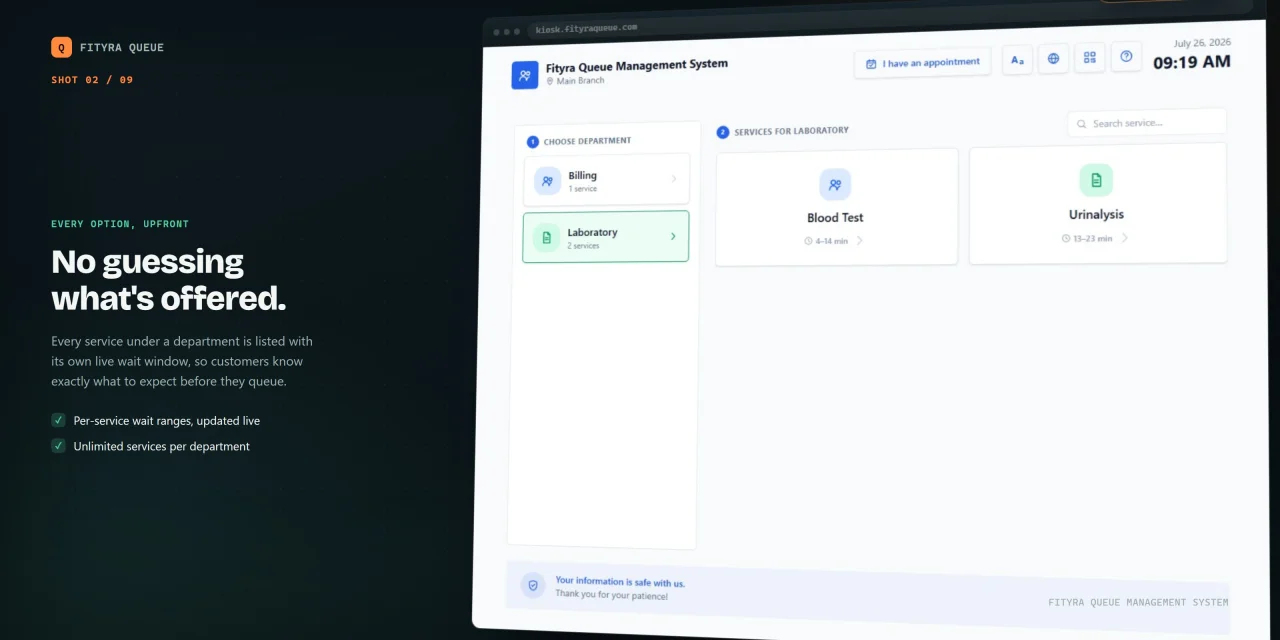
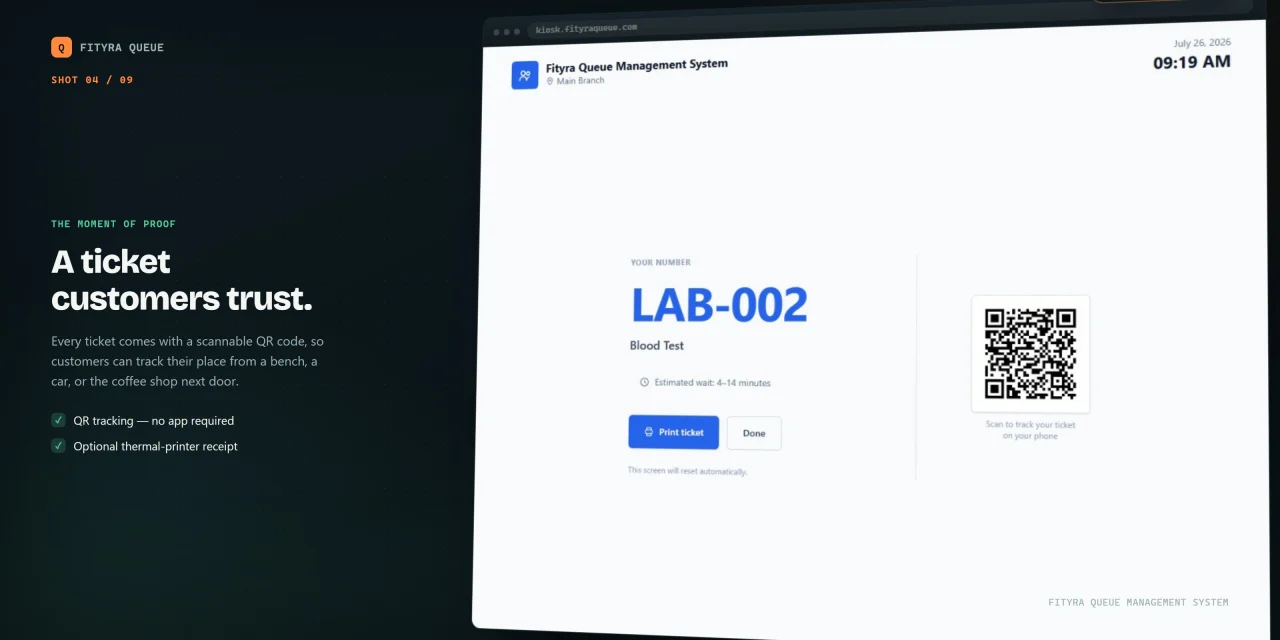
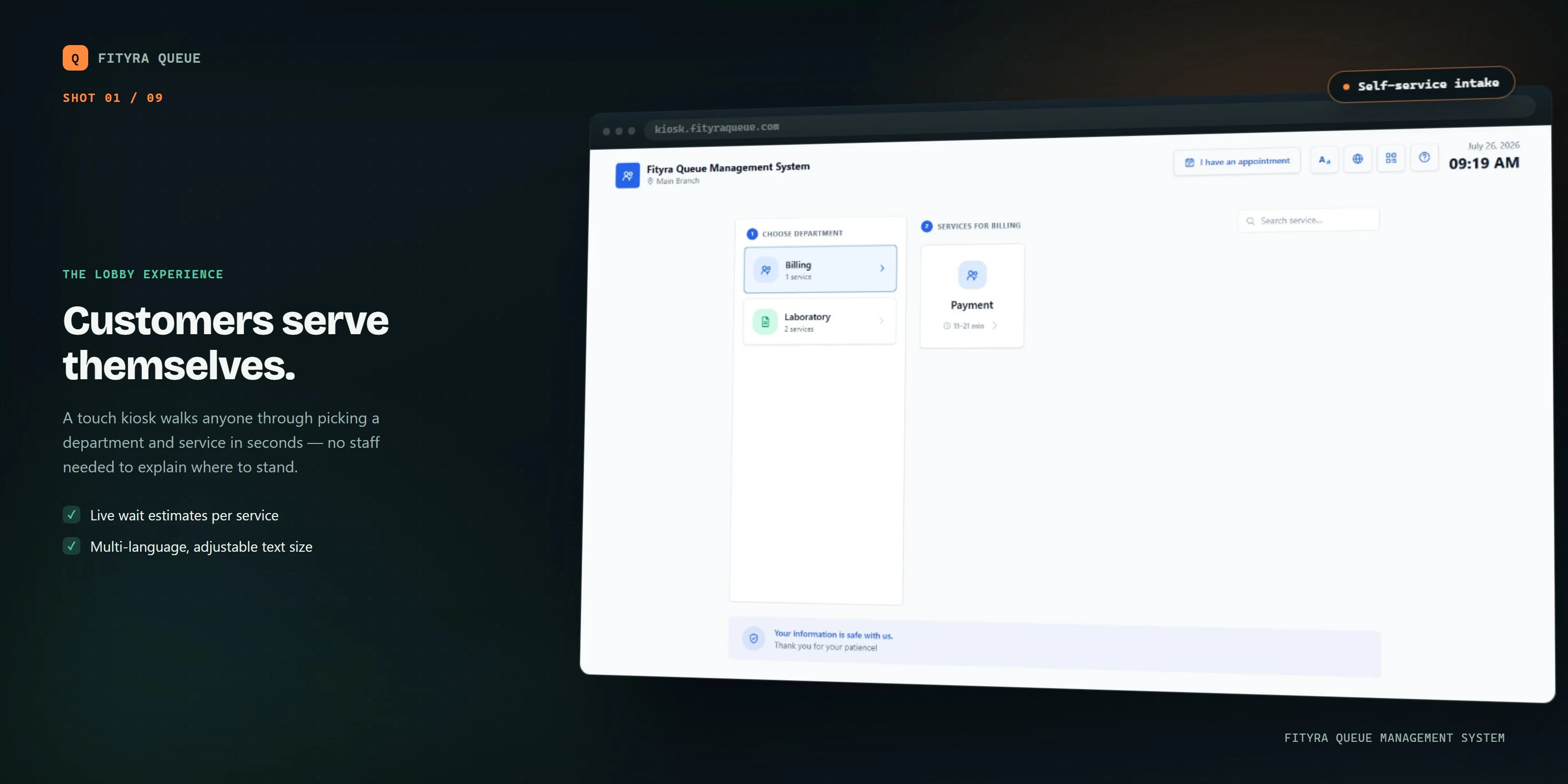
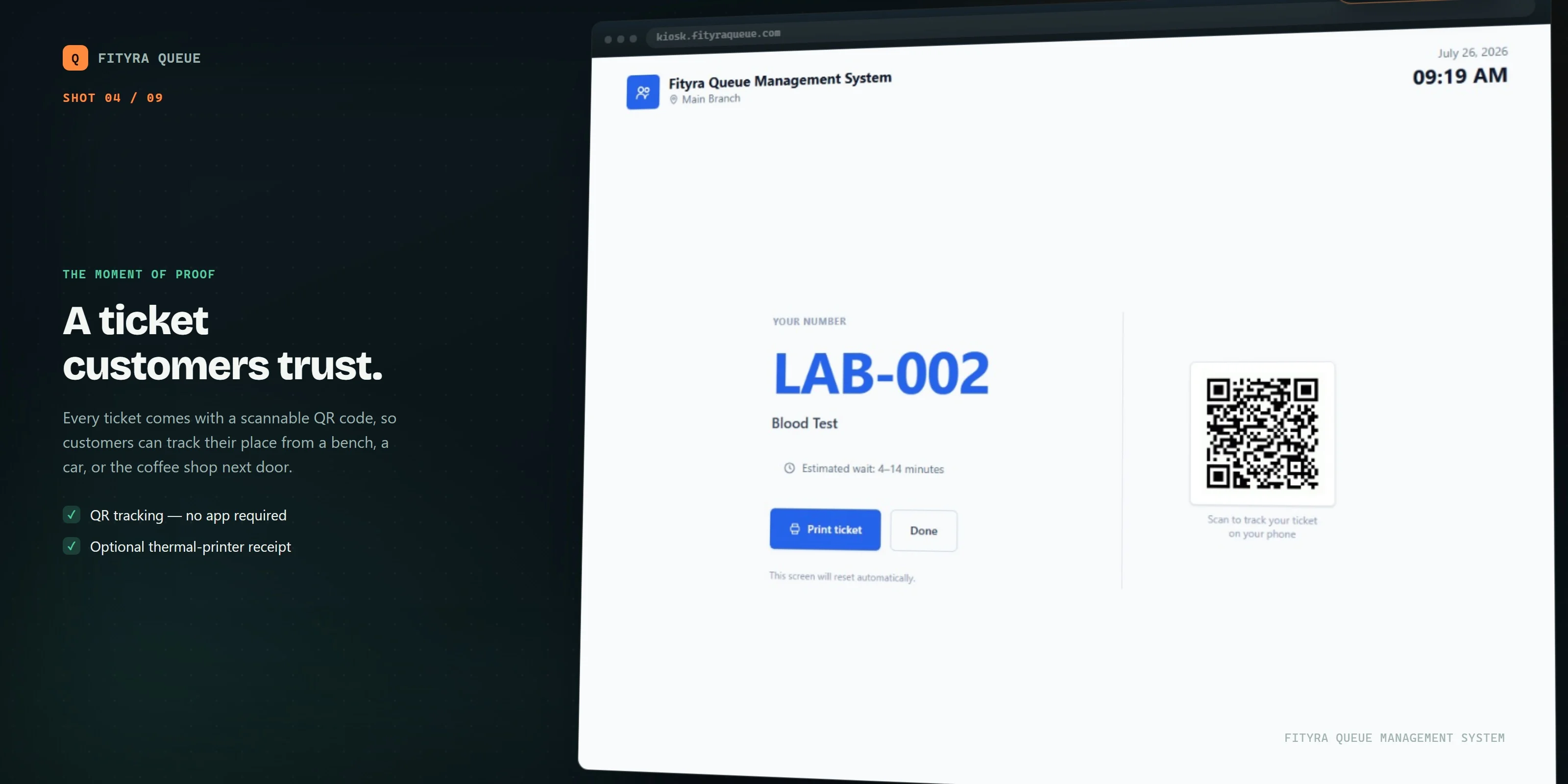
- Kiosk mode for customers to pull their own ticket
- Thermal printer support
- Display devices for calling/showing the current number per department
- Digital signage for promotional or informational content on the same screens
Appointments
- Pre-booked appointment slots that feed directly into the queue
Scheduling & Availability
- Business hours per branch
- Holiday calendar to automatically close service on non-working days
Access Control & Security
- Role-based permissions out of the box: Super Administrator, Administrator, Branch Manager, Counter Staff, Receptionist, Report Viewer
- Fine-grained permissions (60+) for branches, departments, queue actions, reports, settings, and more
- Full audit logging of administrative actions
Reporting
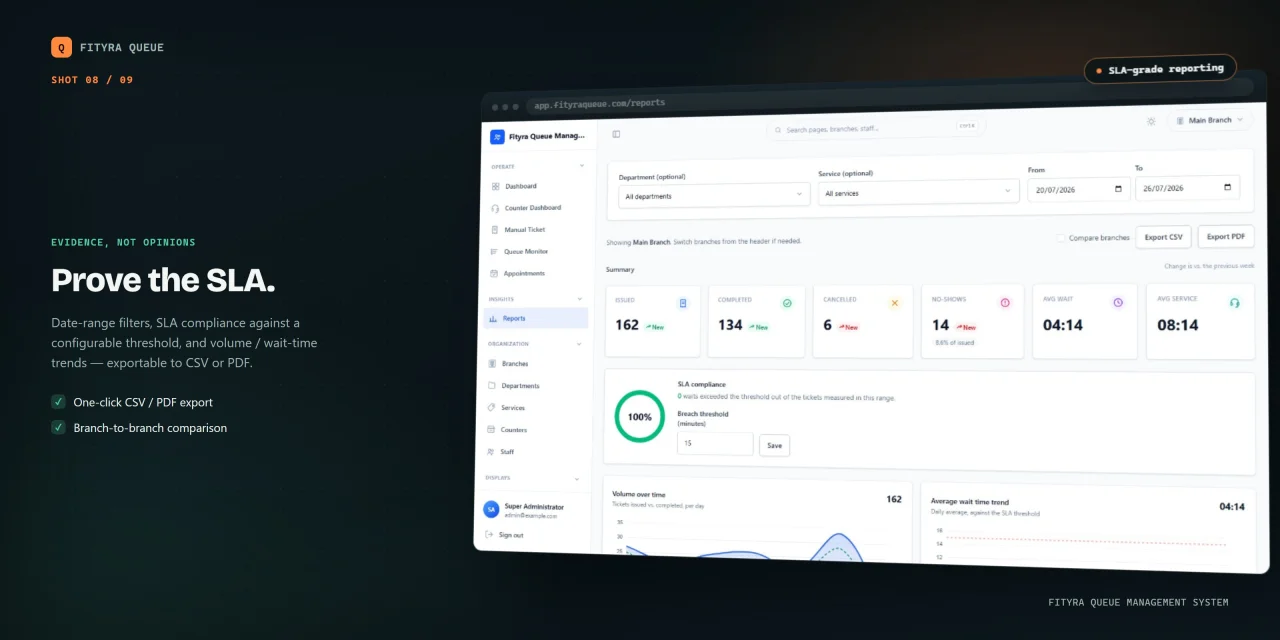
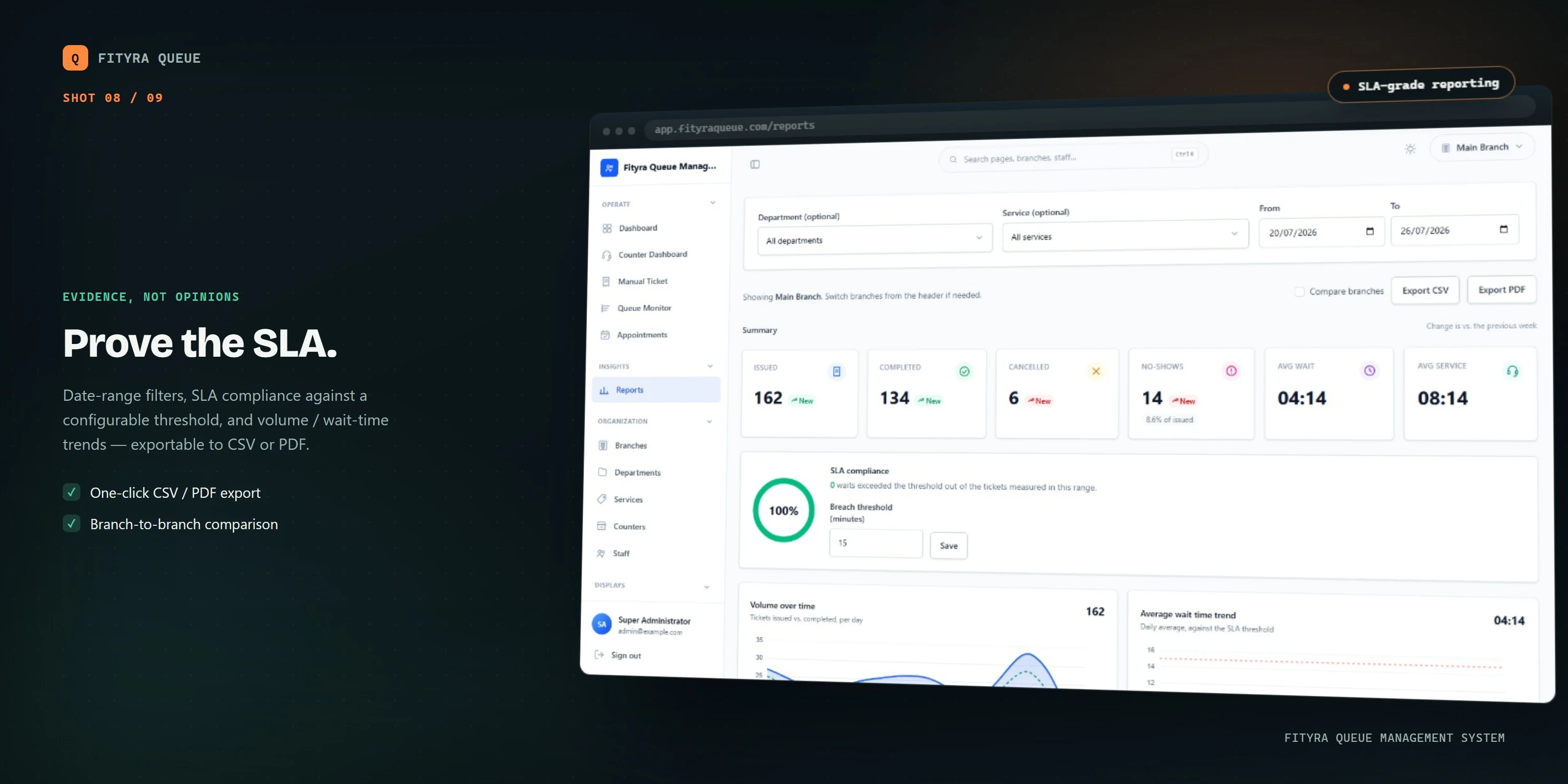
- Built-in reports with export support for operational and performance insights
Integrations & API
- Webhooks for pushing queue events to external systems
- API access via personal access tokens
Localization
- Multi-language support at the ticket and interface level
Deployment & Setup
- Self-hosted — runs on your own server, your own data
- Guided, no-terminal installation wizard
- Choice of database engine: MySQL/MariaDB, PostgreSQL, or SQL Server
- License activation built into the installer
$ 0
- Verified source code
- Join 35204+ buyers which trust us!
- Download code immediately

100% Guarantee For Item!
Satisfaction guarantee policy.
Satisfaction guarantee policy.
Information
| Category | Scripts & Code / PHP Scripts |
| First Release | 15 October 2026 |
| Files included | .php, .html, .css, .sql, .cs, .c |
| Software version | PHP 7.4 |
| File Size | 19 MB |
| Database version | MySQL 4.x, MySQL 5.x |
| Frameworks | PHP Scripts |
Similar Items