

AMOLED Clock + Widgets - iOS SwiftUI Source Code
Pure-black night clock for iPhone/iPad, 10 faces + WidgetKit widgets. SwiftUI
Item Description
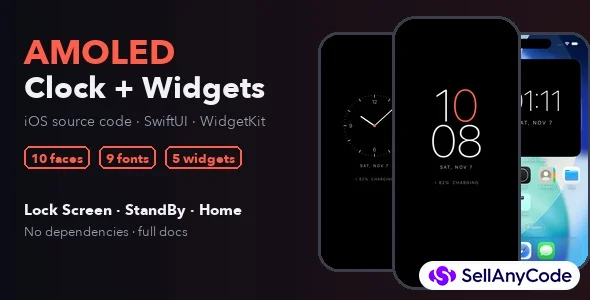
AMOLED Clock is a pure-black night clock for iPhone and iPad, with Home Screen, StandBy and Lock Screen widgets. It's a complete Xcode project built only with SwiftUI and WidgetKit, with no third-party dependencies. You can rebrand it and submit it to the App Store.
Open it at night while the phone charges and it works as a bedside clock:
- The screen never auto-locks.
- The brightness drops to the level you set.
- The clock moves a few points every minute so no pixel shows the same digits all night.
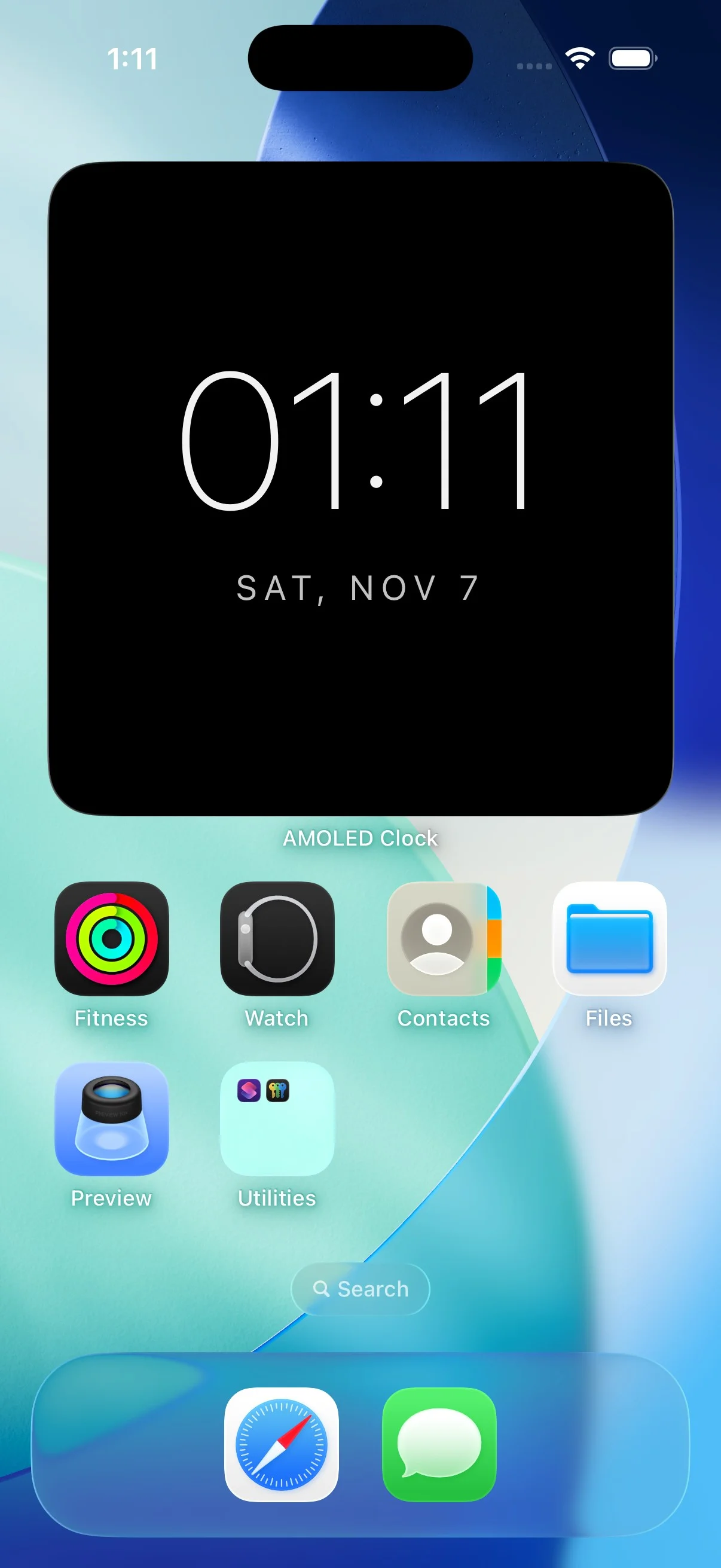
The same ten faces are also available as widgets.
What you get
- Code: the full Xcode project (iOS 17+, iPhone and iPad), plus an XcodeGen spec and a command-line build script.
- Documentation (HTML): setup, rebranding checklist, adding a new face, widgets, App Store notes and known platform limits.
- App icon: a ready-made icon and the script that draws it.
Requirements
- Xcode 16 or newer (tested with Xcode 26.6)
- iOS 17 or newer
- An Apple Developer account to run it on a device or publish it
Good to know
iOS does not let third-party apps draw on the Lock Screen, run while the phone is locked, or read other apps' notifications. So this is not a system always-on display. It's a night clock that works while the app is open, plus StandBy and Lock Screen widgets for when the phone is locked.
Looking for Android? The Android version (Kotlin, Jetpack Compose, with a true always-on lock screen) is also available from LumioLab.
Features
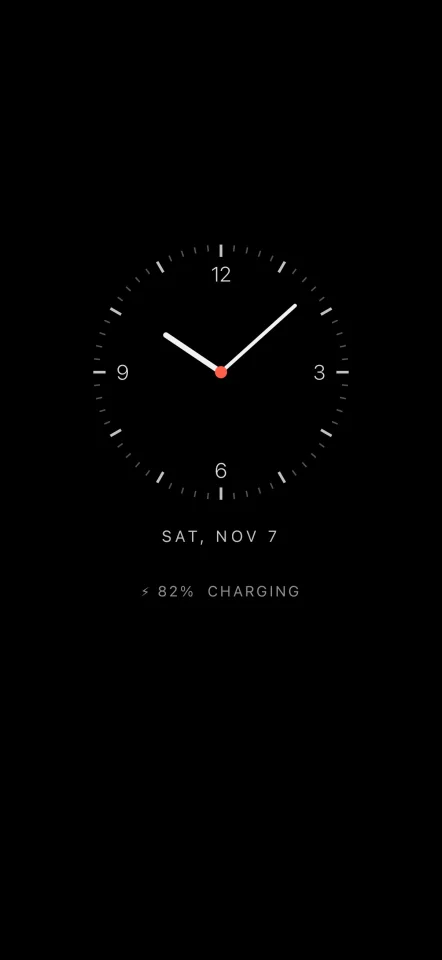
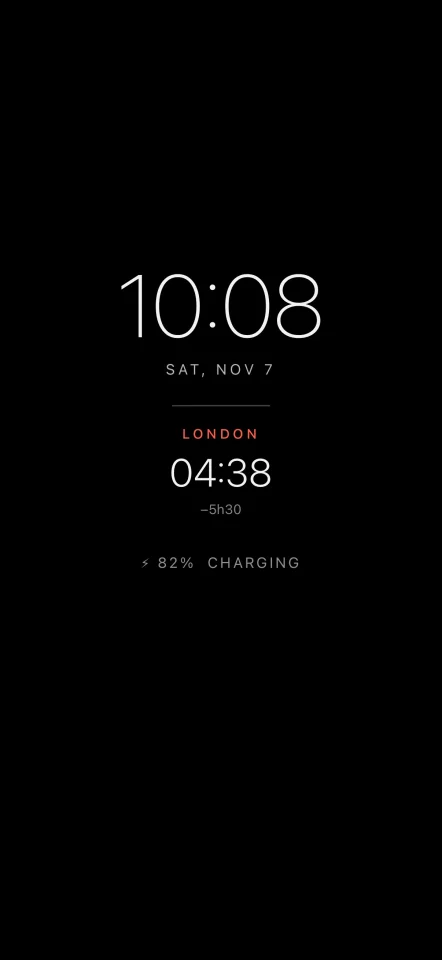
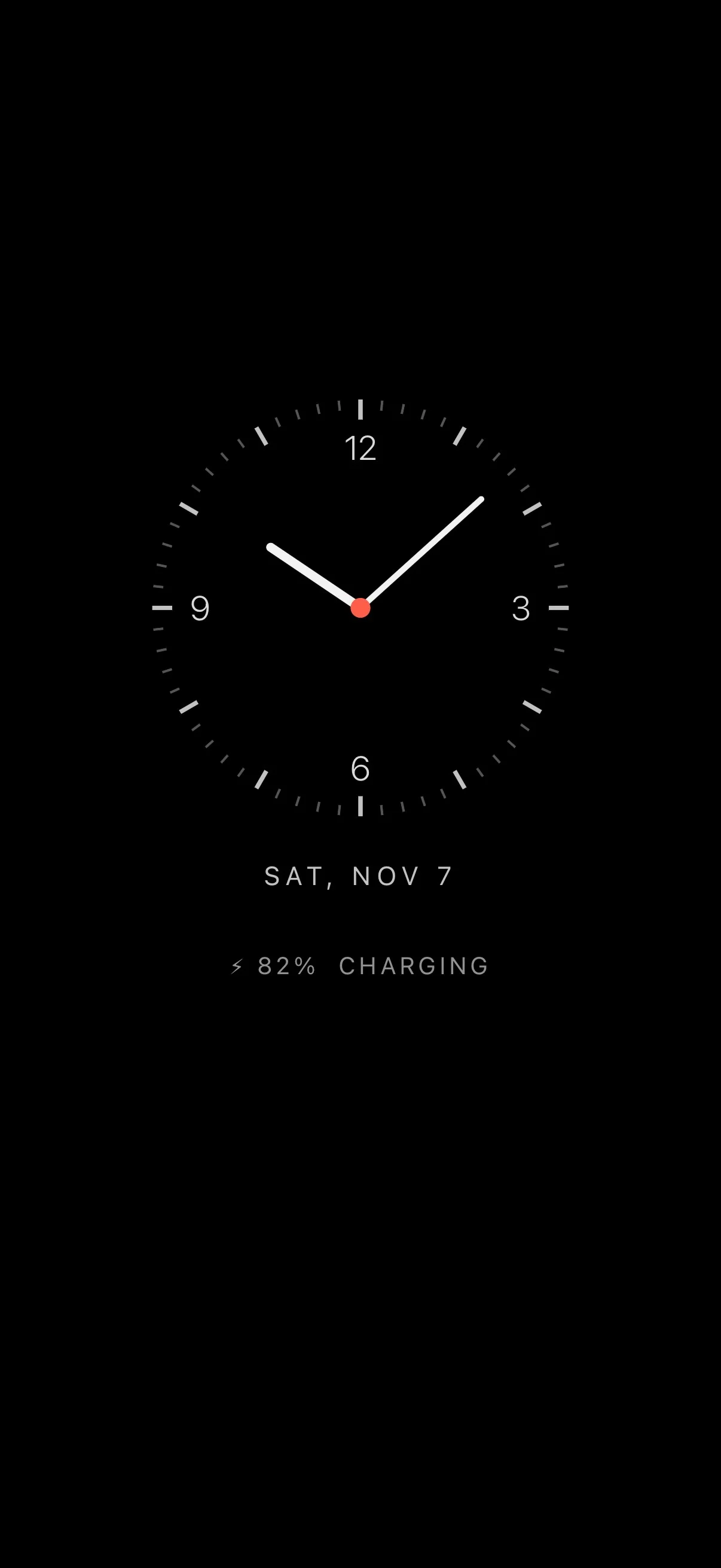
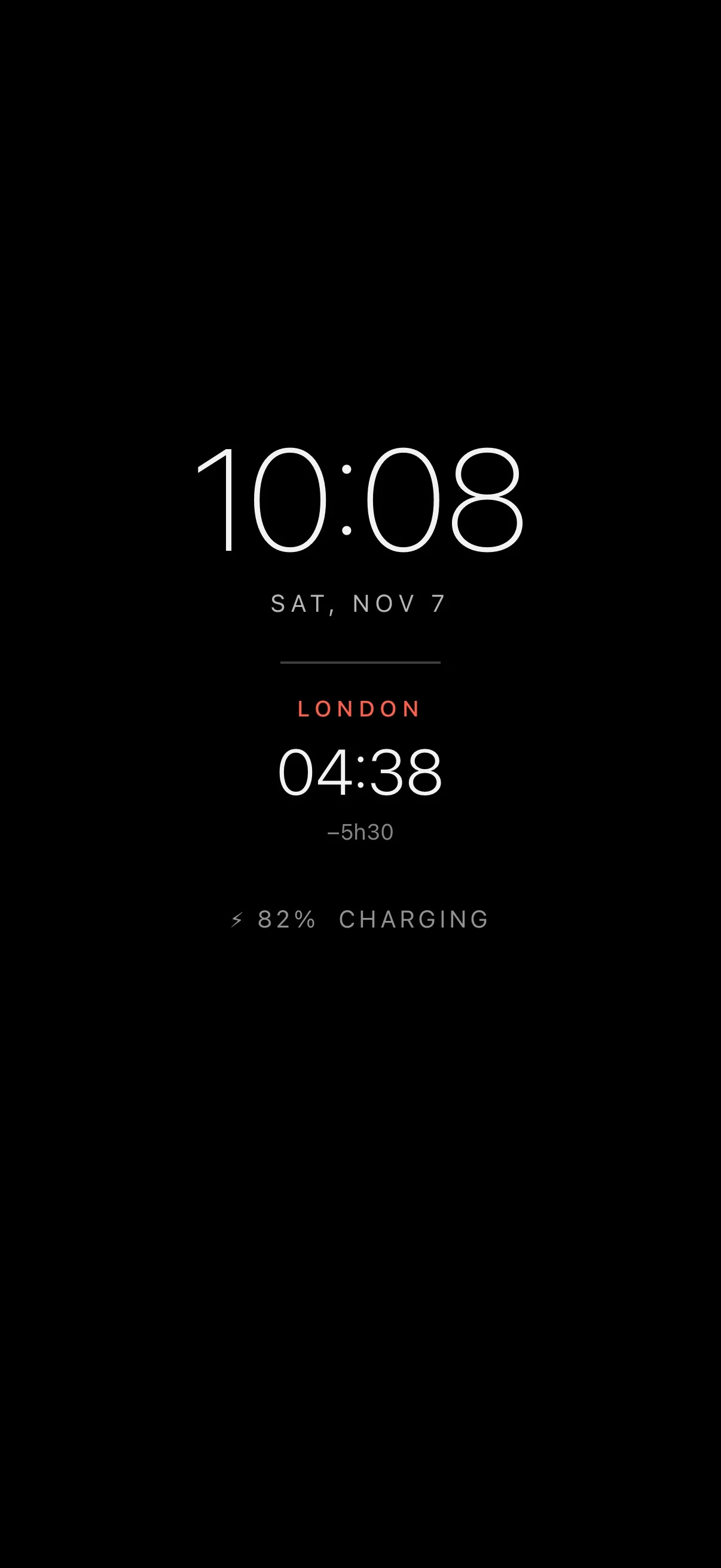
- 10 clock faces: Stacked, Classic, Thin, Analog, Analog Classic, Edge, Calendar, Signature (your own line), Image (your photo) and World (a second city)
- 9 digit fonts: 4 system fonts plus 5 bundled open-licence fonts; variable fonts follow the weight setting
- 4 weights and a size slider
- 12 colours for the digits and the accent
- 12/24-hour and 7 date styles
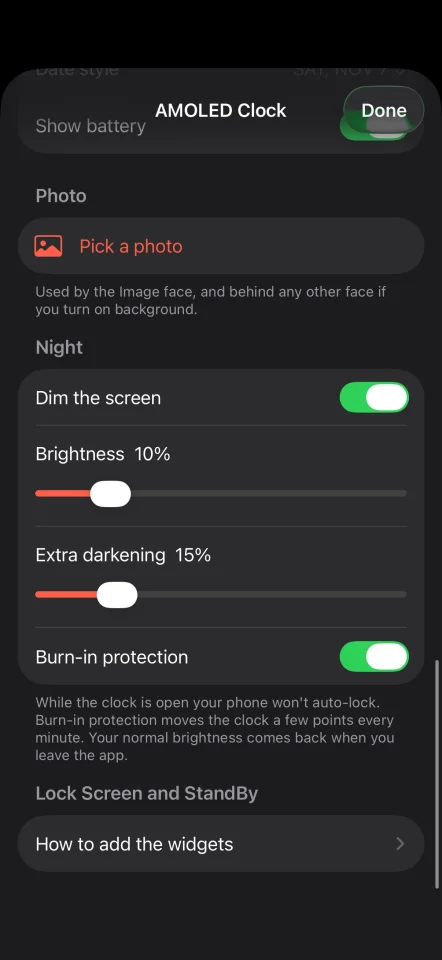
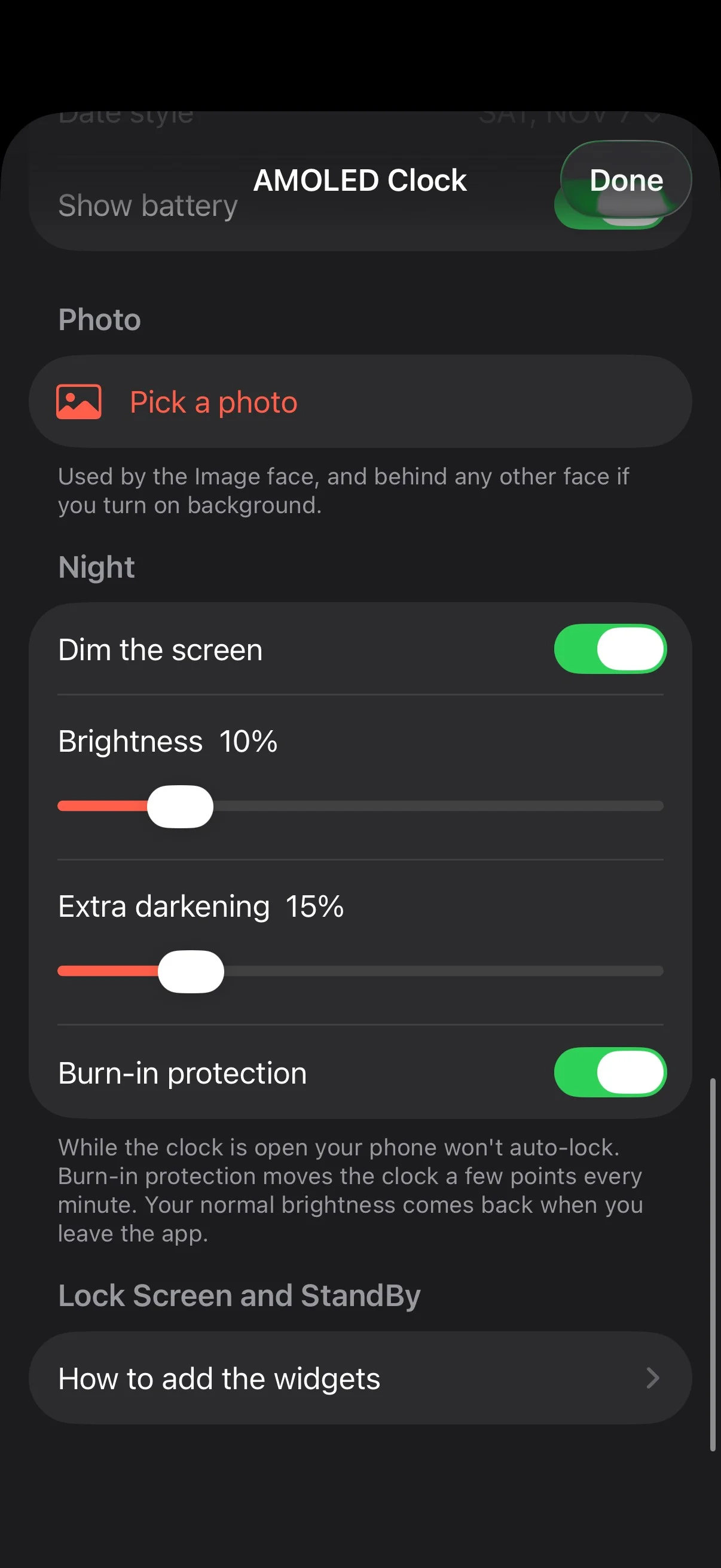
- Night clock mode: brightness control, extra darkening, burn-in protection, battery and charging line
- Photo for the Image face, or as a dimmed background behind any face
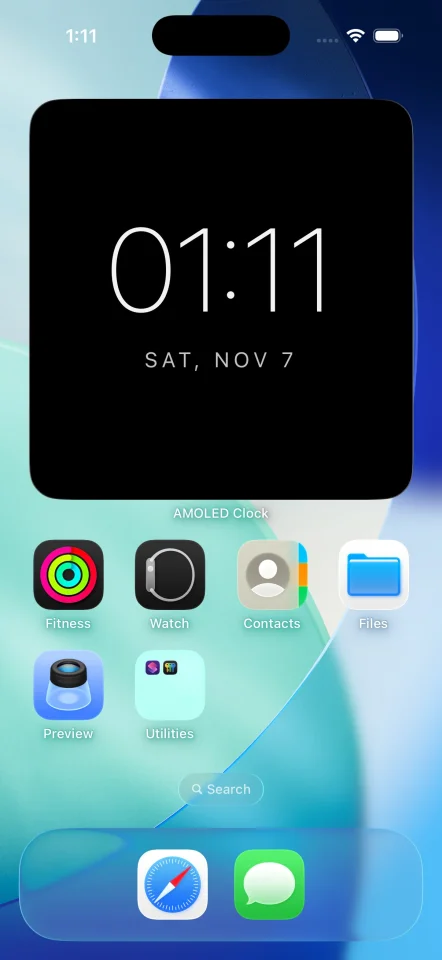
- Clock face widget in small, medium and large, for the Home Screen and StandBy
- Lock Screen widgets: Analog, World, Signature and Date
- App and widgets share settings through an App Group; widgets refresh as soon as you change something
- Debug launch option renders every face and widget to PNG for store screenshots
- Pure SwiftUI + WidgetKit, no third-party dependencies
$ 29
- Verified source code
- Join 35626+ buyers which trust us!
- Download code immediately

100% Guarantee For Item!
Satisfaction guarantee policy.
Satisfaction guarantee policy.
Information
| Category | App Templates / iOS |
| First Release | 7 November 2026 |
| Platforms | iOS 13 |
| Files included | .swift |
| File Size | 1 MB |
| Frameworks | iOS |

Development Hours120 hours
Similar Items