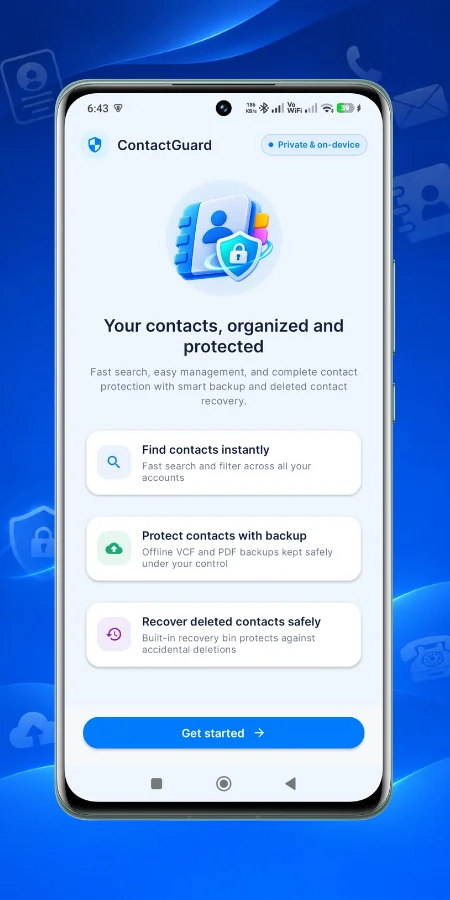
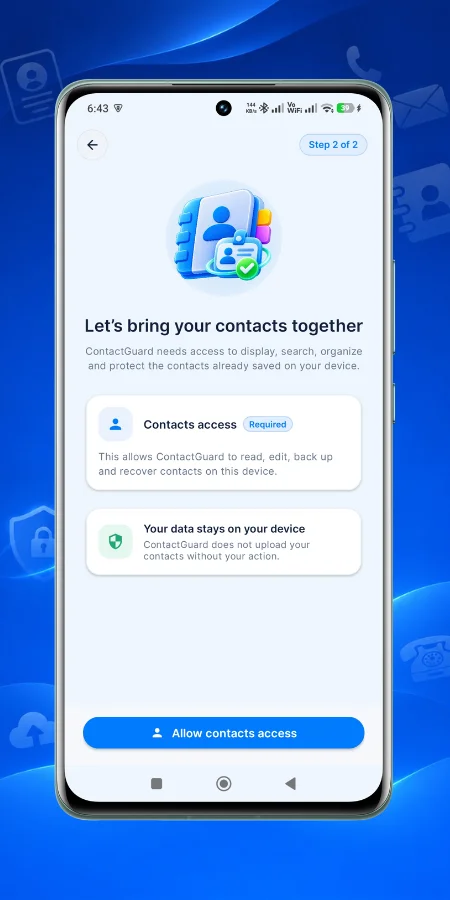
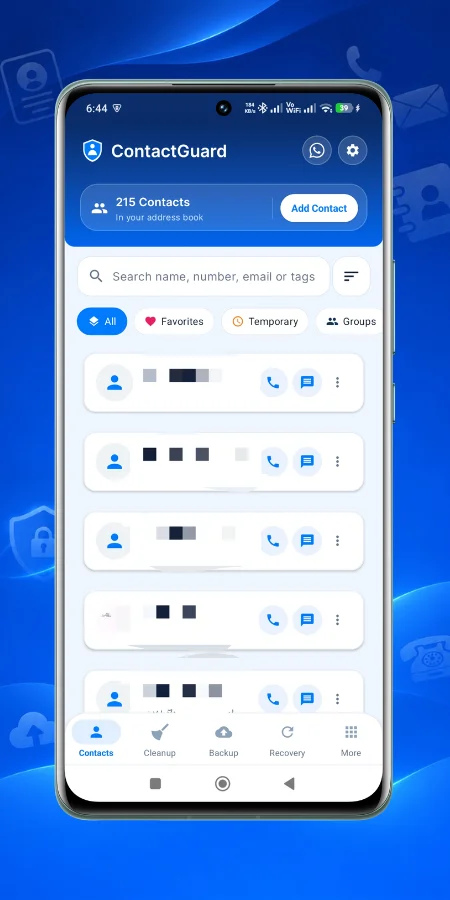


ContactGuard All-in-One Contacts Manager
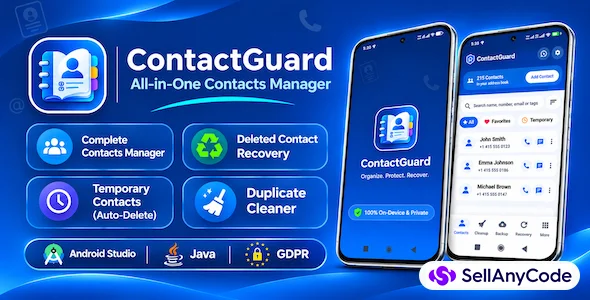
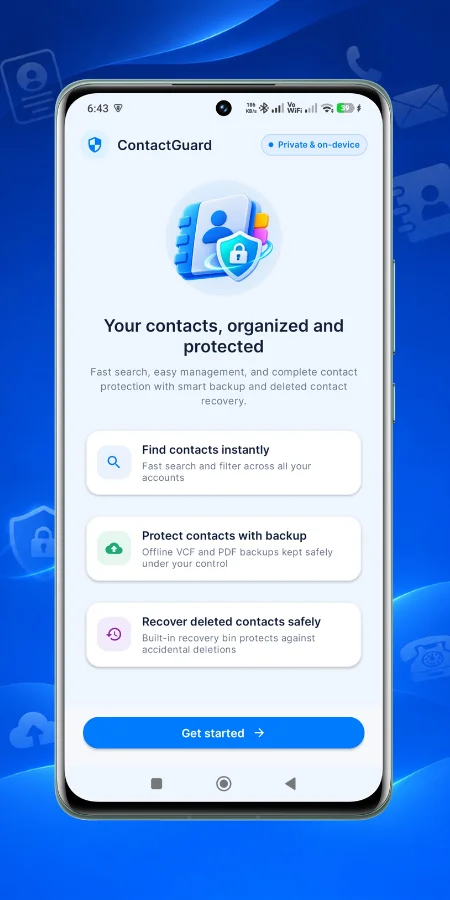
ContactGuard is designed for people who need more than a basic phonebook. It helps users protect, organize, clean, restore, and manage their contacts from one simple application.
Item Description
ContactGuard – All-in-One Contacts Manager
ContactGuard is more than a basic backup tool. It is a complete modern Contacts Manager, Address Book, Backup Utility, Cleanup Tool, and Recovery Suite designed to make everyday contact management safer, cleaner, and more powerful.
Built with native Java, Material Design, responsive SDP/SSP layouts, Android SDK 36 support, Google AdMob integration, and UMP consent support, ContactGuard gives users practical tools that are missing from most default contacts applications.
Manage contacts, clean duplicates, find missing details, organize groups, recover deleted contacts, create temporary contacts, save personal memories, schedule follow-ups, scan business cards, and export contact data from one polished application.
Live Demo APK
🔥 Why ContactGuard Is Different
Most standard contacts apps only provide basic saving, calling, and searching. ContactGuard adds powerful tools for real-world contact organization, protection, cleanup, recovery, and follow-up management.
- ⏱️ Temporary Self-Expiring Contacts: Save delivery agents, drivers, service providers, hotel numbers, marketplace buyers, or short-term business contacts with an expiry timer.
- 🧠 Contact Memory: Save personal notes, conversation context, interests, meeting details, and important information related to a contact.
- 🔔 Follow-Up Reminders: Schedule reminders for calls, messages, meetings, business leads, clients, and personal follow-ups.
- 🎂 Birthday and Anniversary Reminders: Keep important personal and professional dates connected to the right contact.
- ♻️ Deleted Contact Recovery: Recover supported deleted contact records from the app’s recovery storage.
- ⏳ Contact Time Machine: Review saved contact history and restore supported previous contact states.
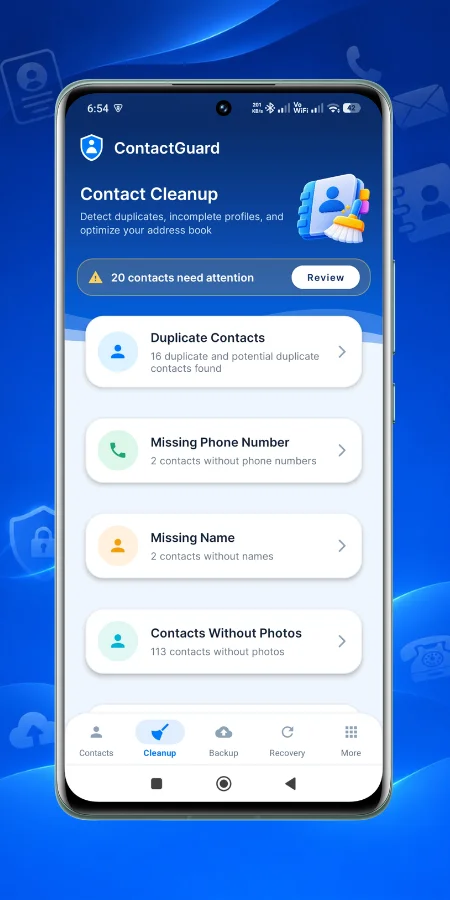
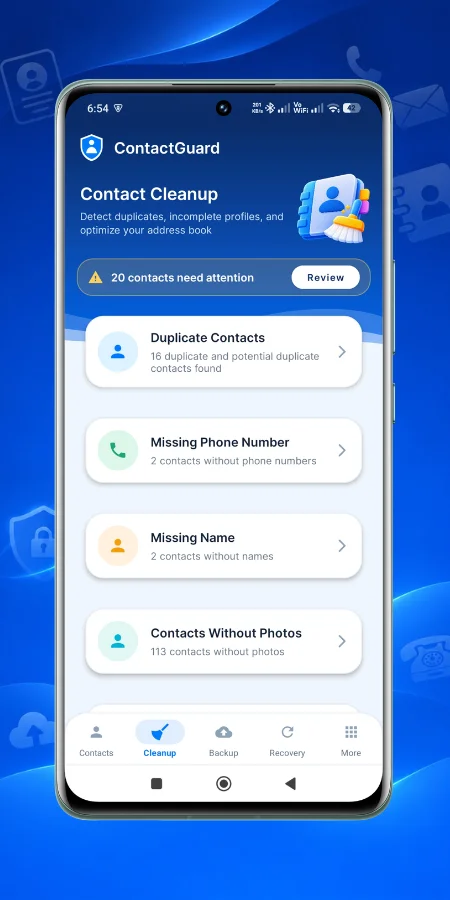
- 🧹 Contact Cleanup: Find duplicate contacts, missing names, missing phone numbers, and incomplete contact records.
- 📊 Account-Wise Contact Distribution: See how contacts are distributed across Google accounts, device storage, SIM storage, and other available accounts.
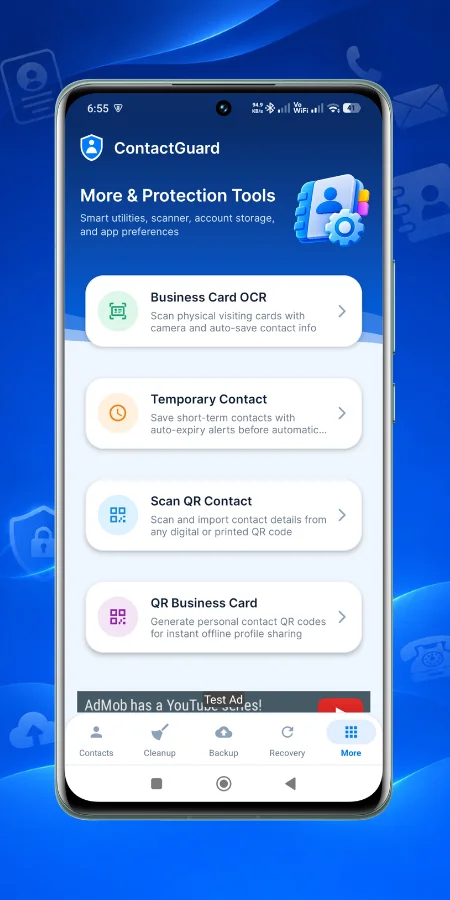
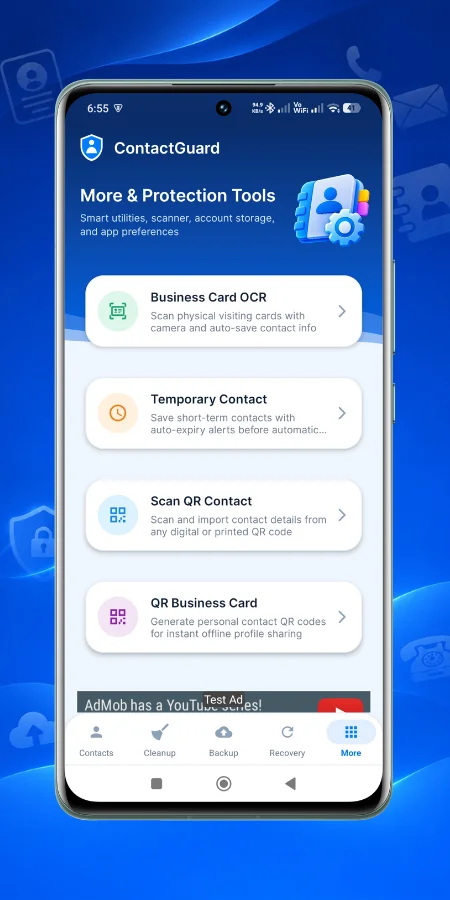
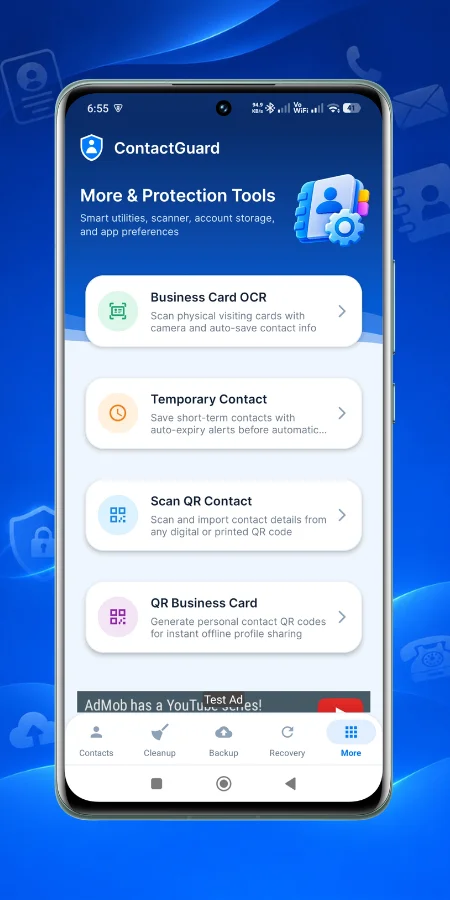
- 📷 Business Card Scanner: Scan contact details from visiting cards using on-device text recognition.
- 💬 WhatsApp Direct Messaging: Start WhatsApp conversations from supported contact actions without unnecessary navigation.
- 📇 QR Business Card: Create and scan QR-based contact information for quick sharing.
⭐ Complete Feature Highlights
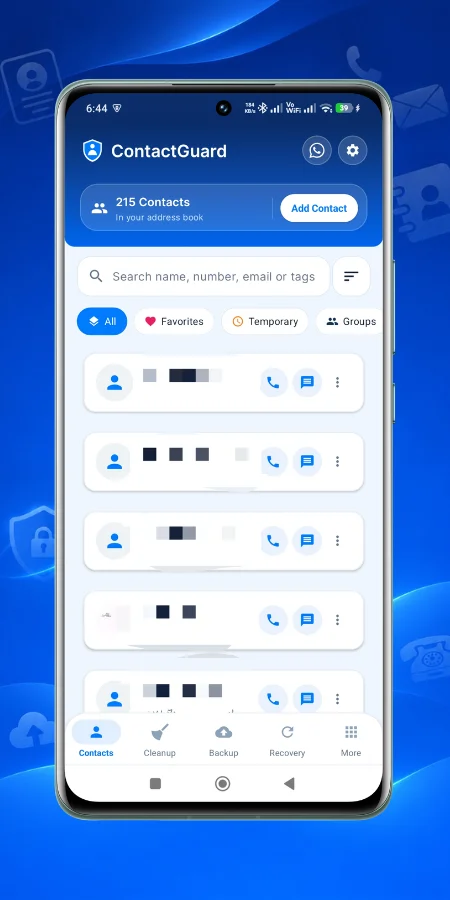
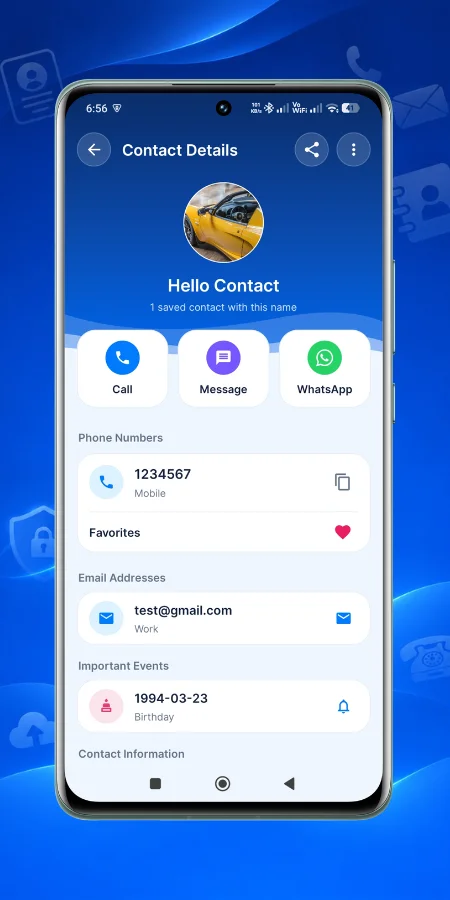
📱 Complete Contacts Manager
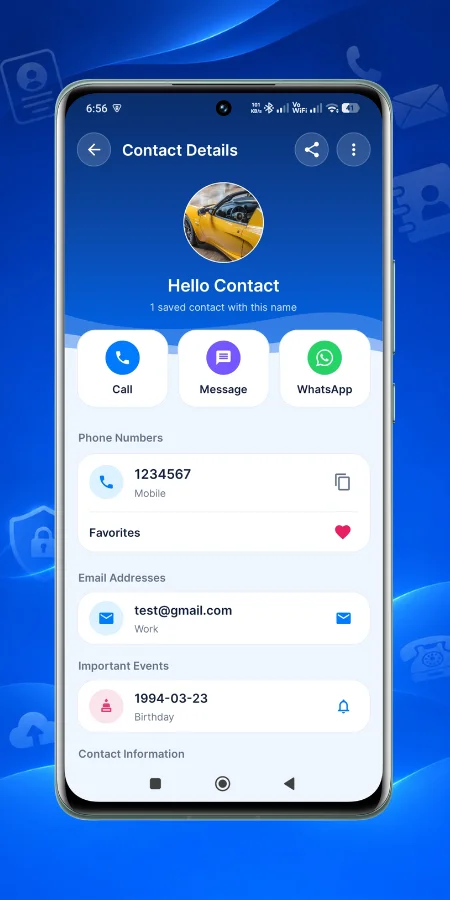
- Add, edit, view, search, organize, share, and delete contacts.
- Manage names, phone numbers, emails, companies, addresses, notes, photos, and groups.
- Quick actions for calling, messaging, email, WhatsApp, sharing, and editing.
- Favorites, recents, filtering, sorting, and list/grid contact views.
🧹 Contact Cleanup and Health Tools
- Duplicate contact detection.
- Duplicate contact preview and merge tools.
- Missing phone number finder.
- Missing name finder.
- Incomplete contact identification.
- Safer contact organization without manually checking every record.
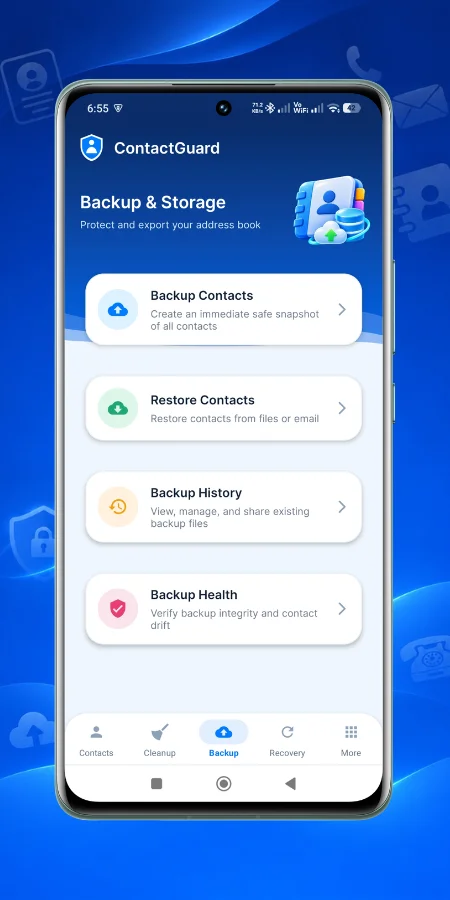
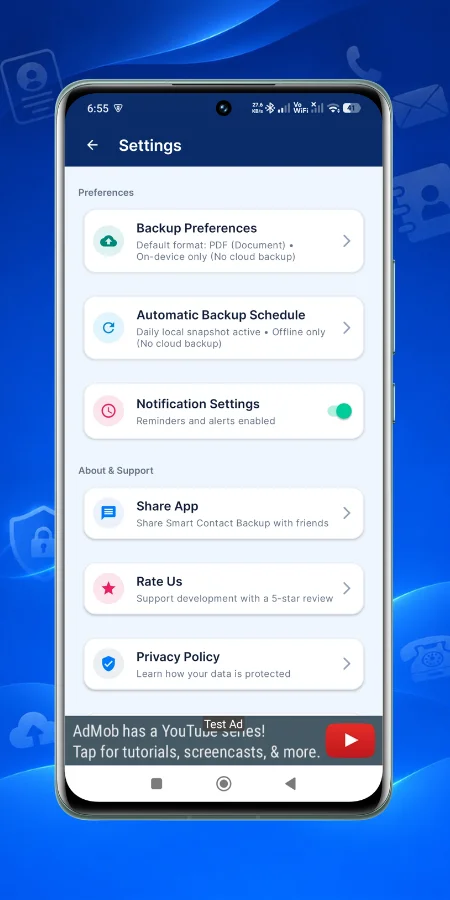
💾 Backup and Restore
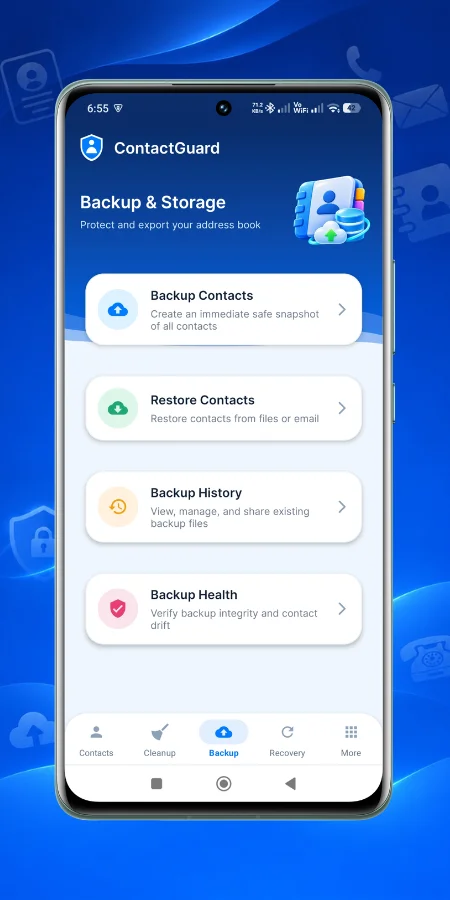
- Export contacts to standard VCF files.
- Create printable PDF contact exports.
- Save and manage local backup files.
- Restore contacts from device storage or shared VCF files.
- Restore individual contacts or multiple contacts.
- Duplicate checking during restore.
- Restore confirmation before writing contacts to the device.
♻️ Deleted Contact Recovery
- Review supported deleted contact records.
- Inspect available contact information before recovery.
- Restore selected contacts back to the device.
- Recovery snapshots help protect contact data during important operations.
- Recovery cannot restore contacts deleted before the app had a chance to track or save them.
🕒 Temporary Contacts
- Create contacts that are intended for short-term use.
- Choose an expiry duration and reminder.
- Keep temporary numbers separate from permanent contacts.
- Useful for delivery services, repair workers, drivers, events, clients, and one-time interactions.
👥 Groups and Organization
- Create and manage custom contact groups.
- Add and remove group members.
- View group member details.
- Organize family, friends, work, clients, customers, and other contact categories.
🧠 Contact Memory and Follow-Up
- Save personal context and notes for contacts.
- Record where you met someone or what you discussed.
- Create follow-up reminders for calls and messages.
- Set birthday and anniversary reminders.
- Keep important relationship and business information connected to the contact profile.
📷 QR and OCR Utilities
- Scan contact information from supported images and business cards.
- Use on-device text recognition for faster contact entry.
- Create QR business cards for quick contact sharing.
- Scan QR contact information and save it to the device.
📁 Account Storage Inspector
- View contact counts by account and storage source.
- Open account-specific contact lists.
- Understand where contacts are saved before backup or cleanup.
🛠️ Additional Utilities
- Contact history and time machine.
- Clipboard contact tools.
- Country code and phone number support.
- Contact sharing.
- Backup health information.
- Local backup file management.
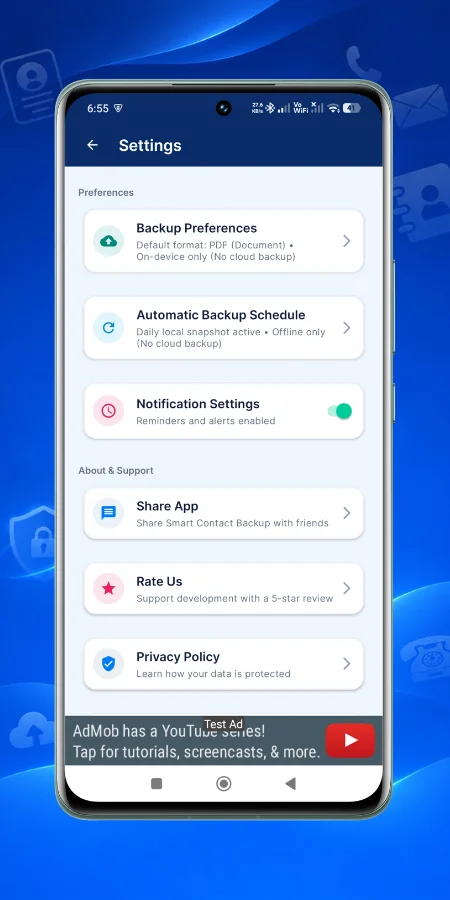
- Settings and permission management.
🚀 Designed for Everyday Contact Problems
ContactGuard helps users solve the problems that normally require several separate tools: lost contacts, duplicate entries, incomplete records, temporary numbers, forgotten follow-ups, scattered account storage, and difficult backup or restore workflows.
Whether you are managing personal contacts, family members, clients, customers, service providers, or business leads, ContactGuard keeps everything organized in one practical contacts-management workspace.
🔐 Privacy-Focused Experience
- No login is required to use the core application.
- Contact management is performed through the Android Contacts Provider.
- Local backup and recovery features are designed for on-device use.
- Buyers can configure their own privacy-policy URL, support email, branding, and service IDs.
- AdMob and UMP integration are included for optional monetization configuration.
📱 Responsive Android Design
- Responsive layouts for small, medium, and large Android devices.
- SDP and SSP dimension support across supported screens.
- Material-based cards, dialogs, buttons, forms, and navigation.
- Designed for comfortable contact management on modern Android phones and tablets.
🧩 Why This Source Code Is Valuable
- Complete Android Studio source code.
- Native Java implementation.
- Modular contact, backup, cleanup, recovery, and utility features.
- Easy app-name, package-name, branding, icon, and color customization.
- AdMob and UMP integration included.
- Buyer-owned configuration placeholders included.
- No login system required.
- Suitable for launching a branded contacts, backup, recovery, or personal CRM application.
📦 What You Receive
- Full Android Studio source code.
- Complete resources, layouts, assets, and Java source files.
- HTML setup and configuration documentation.
- AdMob configuration instructions.
- Privacy-policy and support configuration instructions.
- Branding, package-name, app-icon, and reskinning guidance.
- Third-party license and dependency documentation.
- Demo APK.
⚙️ Requirements
- Android Studio.
- JDK 17.
- Android SDK 36.
- Minimum Android version: API 24.
- Android device or emulator for testing.
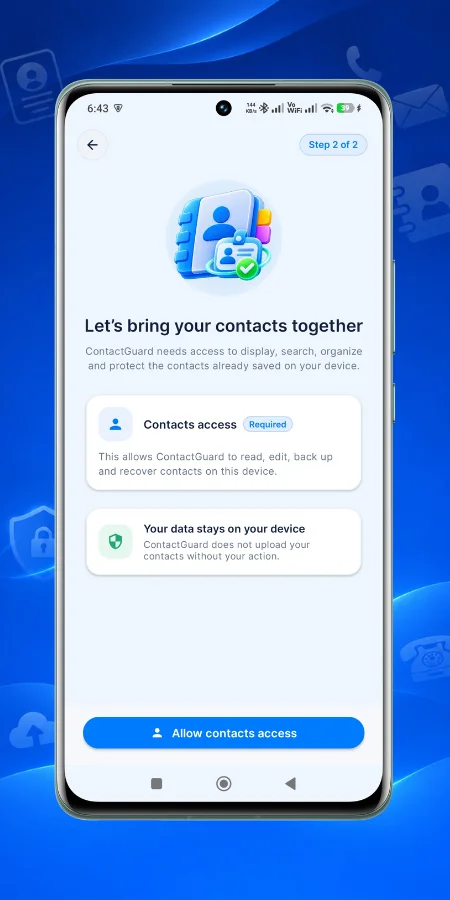
- Contact permission for contact-management features.
- Camera permission for QR and OCR features.
🛠️ Before Publishing
- Change the package name and application ID.
- Change the application name, icon, logo, colors, and splash screen.
- Configure your own privacy-policy URL.
- Configure your own support email and developer links.
- Configure your own AdMob App ID and ad-unit IDs.
- Review permissions and data-safety declarations.
- Test backup, restore, recovery, duplicate merging, reminders, and temporary contacts.
- Build and test a signed release APK or AAB.
Features
- Complete Contact App
- Contact Backup
- Contact Restore
- Deleted Contact Recovery
- Duplicate Contact Detection
- Duplicate Contact Merge
- Missing Phone Number Finder
- Missing Name Finder
- Account-Wise Contact Distribution
- Contact Time Machine
- Contact History
- Groups Management
- Favorites Management
- Recent Contacts
- Temporary Contacts
- Temporary Contact Auto-Expiry
- WhatsApp Messaging
- QR Business Card
- QR Contact Scanner
- OCR Contact Scanner
- Contact Cleanup
- VCF Export
- PDF Export
- Local Backup Files
- Backup Health Monitor
- Contact Sharing
- Contact Reminders
- Country Code Support
- Contact Search and Filters
- Grid and List Views
$ 35
- Verified source code
- Join 35967+ buyers which trust us!
- Download code immediately

100% Guarantee For Item!
Satisfaction guarantee policy.
Information
| Category | App Templates / Android |
| First Release | 25 November 2026 |
| Platforms | Android 7.0, Android 8.0, Android 9.0, Android 10.0 |
| Files included | .apk, .java, .xml |
| File Size | 55 MB |
| Frameworks | Android |
Similar Items